Nationwide delivery and installation support
Welcome to Starlink Kenya

Starlink Kenya | High-Speed Satellite Internet Across Kenya

Starlink Kenya offers high-speed satellite internet with affordable packages, hardware, and monthly plans.

Case Studies

Where We've Delivered Connectivity: Trusted by Organizations Nationwide.

Browse a few of the installations, support rollouts, and connectivity deployments our team has delivered across Kenya.

Education rollout

University of Nairobi

Campus-ready connectivity with dependable Starlink coverage for research teams, lecture spaces, and admin operations.

Read more
Healthcare deployment

Kenyatta National Hospital

Reliable internet support for hospital operations, staff coordination, and faster access to digital systems.

Read more
County coverage

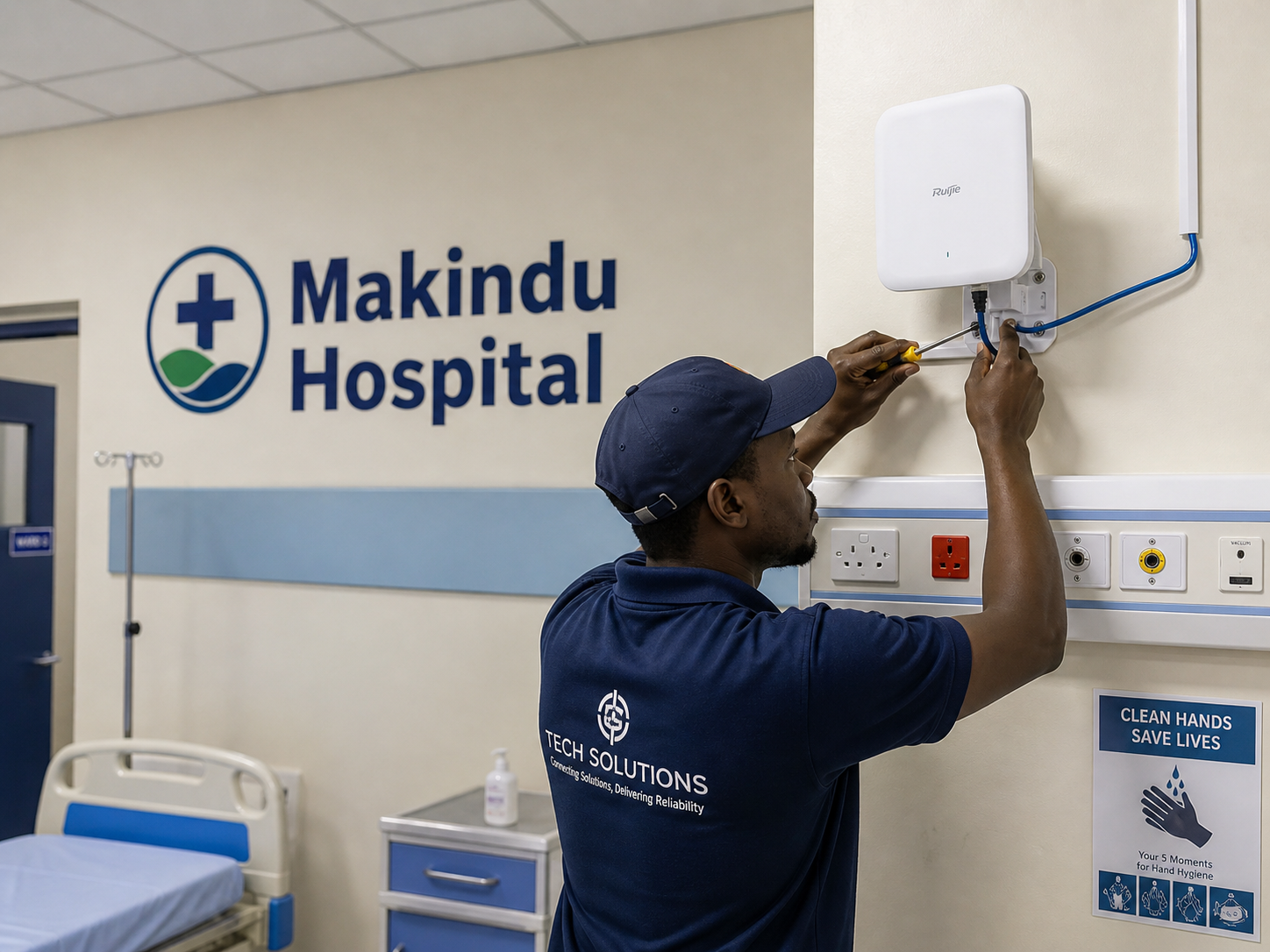
Makindu Sub County Hospital

Remote-site Starlink setup built to keep essential services online even where terrestrial options are limited.

Read more
Hospitality network

Ocean Beach Hotel

Guest Wi-Fi expansion and stable backhaul for hospitality teams that need reliable uptime across the property.

Read more

Hot-Selling Products.

Explore our genuine Starlink hardware and accessories.

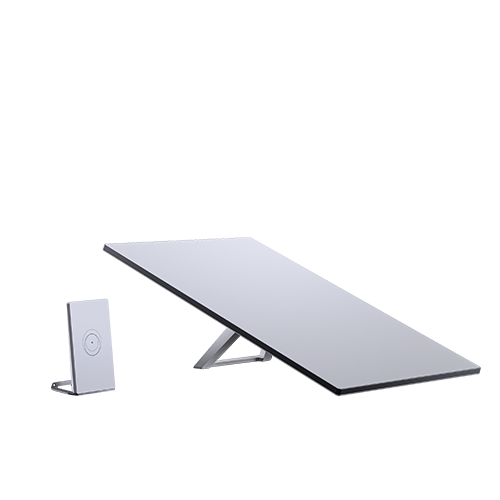
Starlink Mini Kit

Starlink Mini Kit

Starlink Mini Kit delivers reliable low-latency satellite internet across Kenya.

KES 30,000.00 View
Starlink Mini X-  Starlink Mini and a Router Mini

Starlink Mini X- Starlink Mini and a Router Mini

Starlink Mini X- Starlink Mini and a Router Mini delivers reliable low-latency satellite internet across Kenya.

KES 50,000.00 View
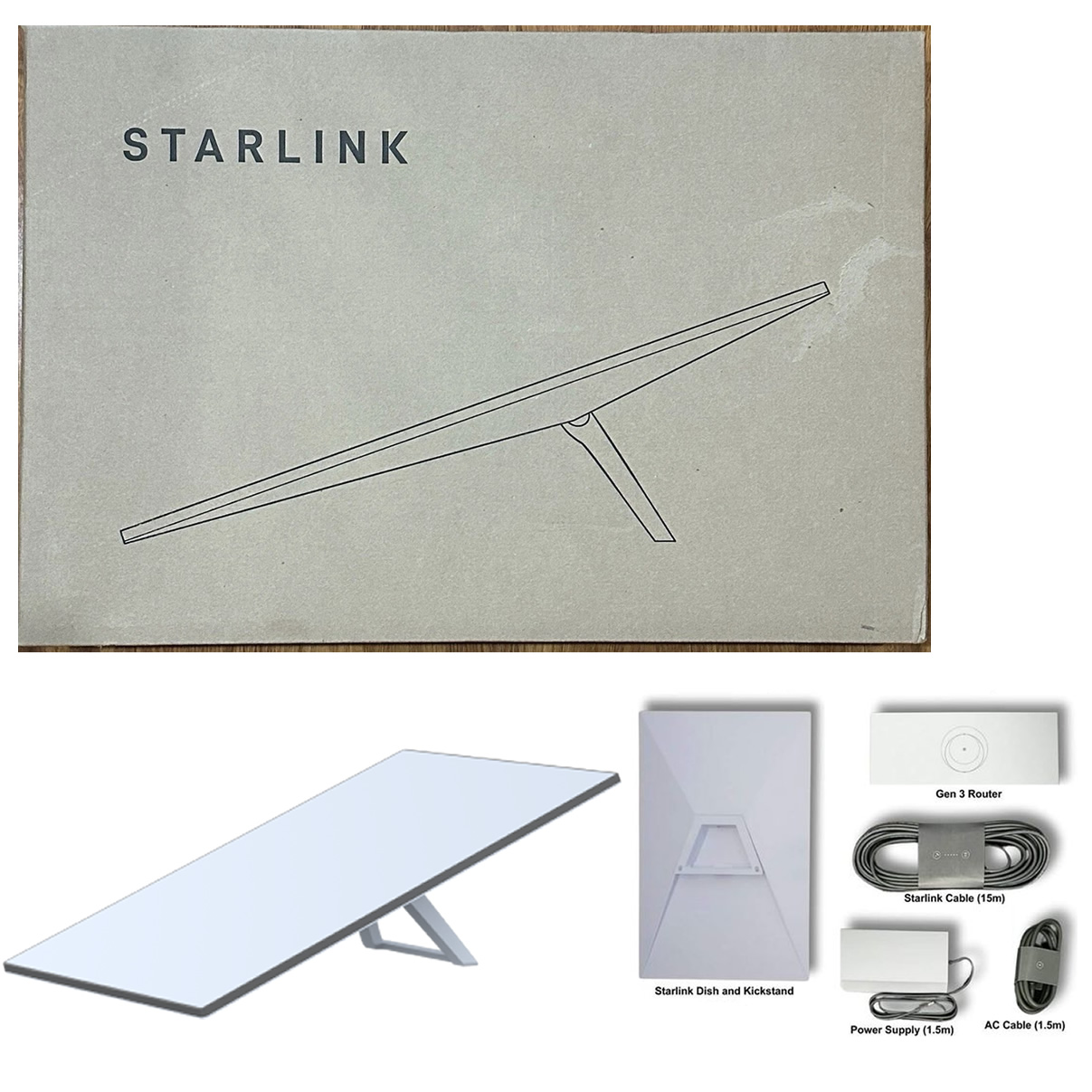
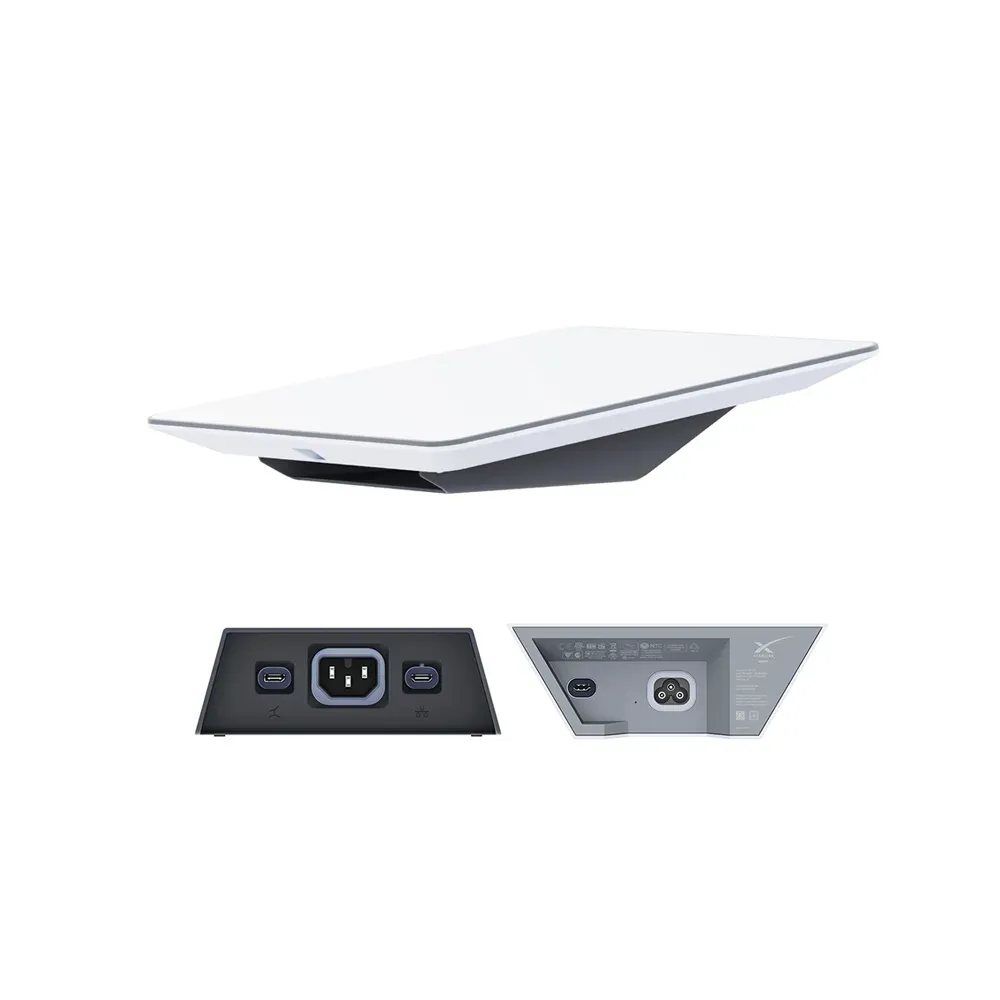
Starlink Standard Kit Gen 3

Starlink Standard Kit Gen 3

Starlink Standard Kit Gen 3 delivers reliable low-latency satellite internet across Kenya.

KES 55,000.00 View
Starlink Version 4 Kit

Starlink Version 4 Kit

Starlink Version 4 Kit delivers reliable low-latency satellite internet across Kenya.

KES 55,000.00 View
Starlink Standard 4X

Starlink Standard 4X

Starlink Standard 4X delivers reliable low-latency satellite internet across Kenya.

KES 55,000.00 View
Starlink Enterprise Kit

Starlink Enterprise Kit

Starlink Enterprise Kit delivers reliable low-latency satellite internet across Kenya.

KES 150,000.00 View
Starlink High Performance Kit

Starlink High Performance Kit

Starlink High Performance Kit delivers reliable low-latency satellite internet across Kenya.

KES 250,000.00 View
Starlink Performance Kit Gen 2 Kit

Starlink Performance Kit Gen 2 Kit

Starlink Performance Kit Gen 2 Kit delivers reliable low-latency satellite internet across Kenya.

KES 250,000.00 View
Starlink Flat High-Performance Kit

Starlink Flat High-Performance Kit

Starlink Flat High-Performance Kit delivers reliable low-latency satellite internet across Kenya.

KES 350,000.00 View
Starlink Performance Kit Gen 3 Kit

Starlink Performance Kit Gen 3 Kit

Starlink Performance Kit Gen 3 Kit delivers reliable low-latency satellite internet across Kenya.

KES 350,000.00 View

Why Starlink Kenya Is Ideal for You

Tailored for the Kenyan market.

  • Speeds up to 220 Mbps
  • Optimized for Kenyan terrain
  • DIY or Pro install
Our Services

Explore Our Starlink Kenya Solutions

Buy Starlink Kits in Kenya

Compare genuine Starlink kits, mounts, and accessories for homes, offices, camps, and rural installations.

View kits

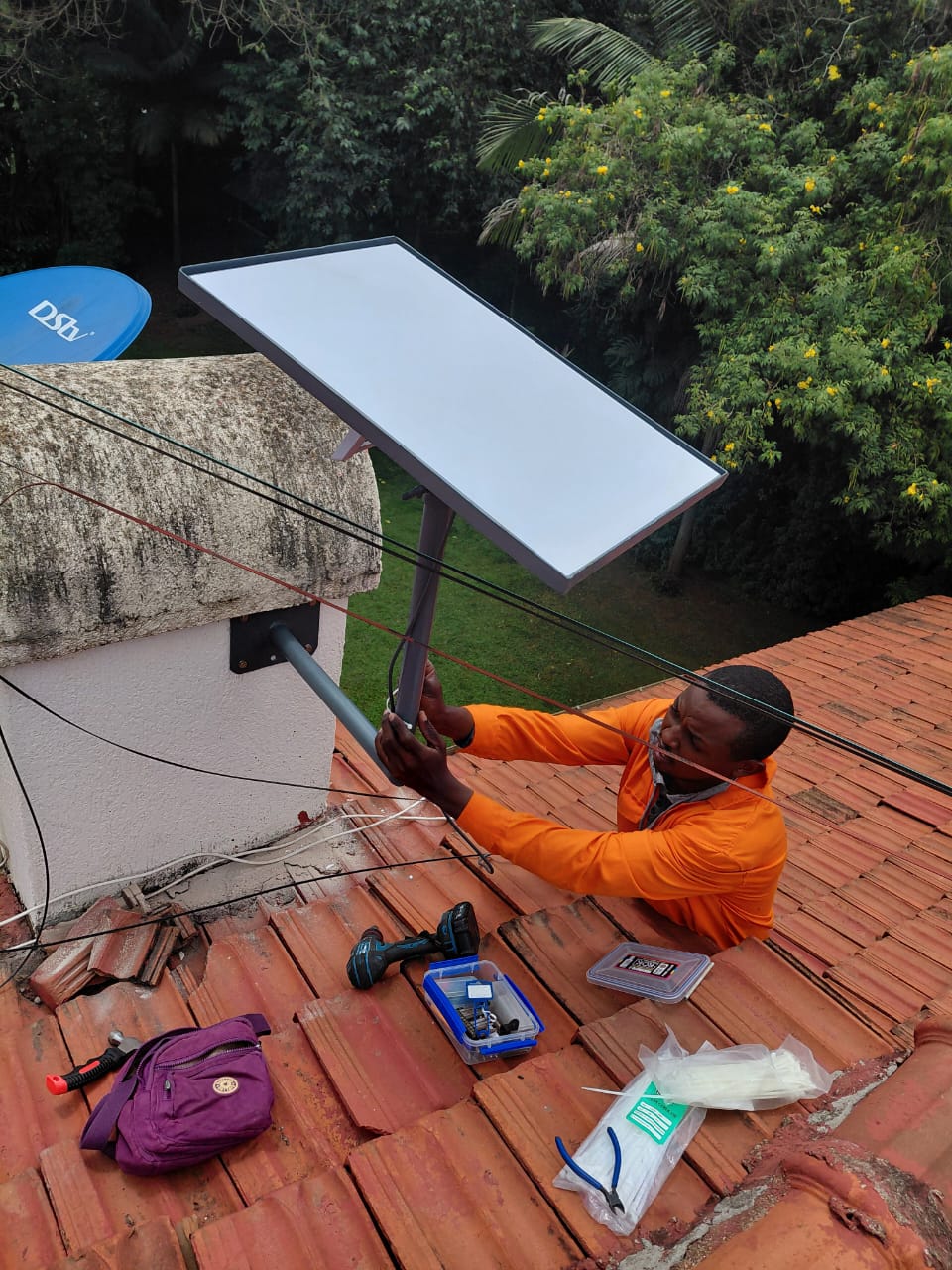
Starlink Installation Services in Kenya

Certified installers offering dish alignment, mounting, cable runs, and activation support across Kenya.

Explore setup

Starlink Prices and Packages

Review kit pricing, monthly plans, and the differences between Lite, Residential, and business-ready setups.

See pricing

Network Expansion and Wi-Fi Coverage

Extend Starlink into offices, compounds, lodges, and farms with practical Wi-Fi and network rollout support.

Request advice

Starlink Kenya Packages Snapshot

Residential Lite

Entry-level Starlink connectivity from KES 1,300/month for light browsing, field teams, and remote sites.

See pricing

Residential Unlimited

The core Starlink Kenya plan for homes and small offices that need stable all-day connectivity.

Compare kits

Business & Installation

Higher-performance hardware, dish placement, and rollout support for schools, lodges, farms, and offices.

Talk to us

How to Order Starlink in Kenya

Get hardware, pricing, delivery, and installation support from one Kenya-based team.

  1. Choose the right Starlink kit and monthly package for your home, office, lodge, farm, or remote site.
  2. Confirm availability, delivery timeline, and installation requirements with our team by call or WhatsApp.
  3. Book dispatch or professional installation anywhere in Kenya and get setup support after delivery.

Starlink Kenya: The Ultimate Internet Solution for Homes and Businesses Across Kenya

Starlink Kenya

Starlink Kenya is redefining internet connectivity by delivering fast, reliable, and high-performance satellite internet to users across the country. Whether you live in a major city such as Nairobi, Mombasa, Kisumu, Nakuru, and Eldoret or in remote locations where fibre and mobile networks struggle to provide consistent service, Starlink offers a powerful alternative. Using advanced low-earth orbit satellite technology, Starlink provides stable internet connectivity for streaming, video conferencing, online learning, gaming, remote work, and business operations. As more Kenyans embrace digital transformation, Starlink has emerged as one of the most effective solutions for overcoming connectivity challenges and ensuring uninterrupted access to the online world.

One of the biggest advantages of Starlink Kenya is its ability to provide high-speed internet virtually anywhere with a clear view of the sky. Unlike traditional internet providers that depend on extensive ground infrastructure, Starlink connects users directly to a network of satellites, making it ideal for homes, schools, hotels, lodges, farms, construction sites, hospitals, churches, and corporate offices. At Starlink Kenya, we help customers choose the right Starlink kit, provide professional installation services, recommend suitable mounting solutions, and offer ongoing technical support to ensure optimal performance. Our experienced team understands the unique connectivity needs of Kenyan customers and works closely with each client to deliver reliable internet solutions tailored to their requirements.

When you choose Starlink Kenya, you are choosing more than just an internet service—you are investing in dependable connectivity backed by professional support and expertise. We are committed to helping individuals, businesses, and organizations unlock the full potential of Starlink technology through quality products, expert installations, and responsive after-sales service. Whether you need internet for a rural home, a growing business, a remote school, or a hospitality facility, Starlink Kenya provides the equipment, knowledge, and support needed for a seamless experience. Contact Starlink Kenya today and discover why thousands of customers are making the switch to faster, more reliable satellite internet solutions.


1. What Is Starlink Kenya?

Starlink Kenya

Starlink Kenya is a satellite-based internet service that provides fast, reliable, and high-speed internet connectivity across Kenya. Unlike traditional internet providers that depend on fibre optic cables, mobile towers, or fixed wireless infrastructure, Starlink uses a network of low-earth orbit (LEO) satellites to deliver internet directly to users. This makes it possible for people in both urban and remote areas to access quality internet services regardless of their location. Starlink has become increasingly popular among homeowners, businesses, schools, farms, hotels, and organizations looking for dependable internet connectivity.

1.1 How Starlink Works

Uses Low-Earth Orbit Satellites

  • Starlink operates through thousands of satellites positioned in low-earth orbit around the planet.
  • These satellites continuously communicate with each other and with Starlink ground stations to provide internet connectivity.
  • Because the satellites orbit much closer to Earth than traditional satellites, internet signals travel faster.
  • This results in lower latency, meaning less delay when browsing websites, joining video calls, or playing online games.
  • The satellite network is constantly expanding to improve coverage, speed, and reliability for users worldwide.

Connects Through a Starlink Dish

  • Every Starlink user requires a Starlink dish, often called a Starlink terminal.
  • The dish automatically detects and connects to available satellites overhead.
  • Unlike older satellite systems, users do not need to manually align the dish after installation.
  • The dish continuously tracks satellites as they move across the sky to maintain a stable internet connection.
  • The system also includes a Wi-Fi router that distributes internet throughout the home or business premises.

Provides Internet Without Fibre Cables

  • Starlink does not require fibre optic cables to reach a customer’s location.
  • Users can access high-speed internet even in areas where fibre infrastructure has not been installed.
  • This makes Starlink particularly useful for rural communities, farms, construction sites, and remote business locations.
  • New users can get connected much faster compared to waiting for fibre deployment.
  • The technology helps bridge the connectivity gap in underserved regions.

Requires Clear Sky Visibility

  • The Starlink dish needs a clear and unobstructed view of the sky to communicate effectively with satellites.
  • Trees, buildings, hills, and other obstacles can interfere with the signal.
  • Proper dish placement significantly improves internet performance and reliability.
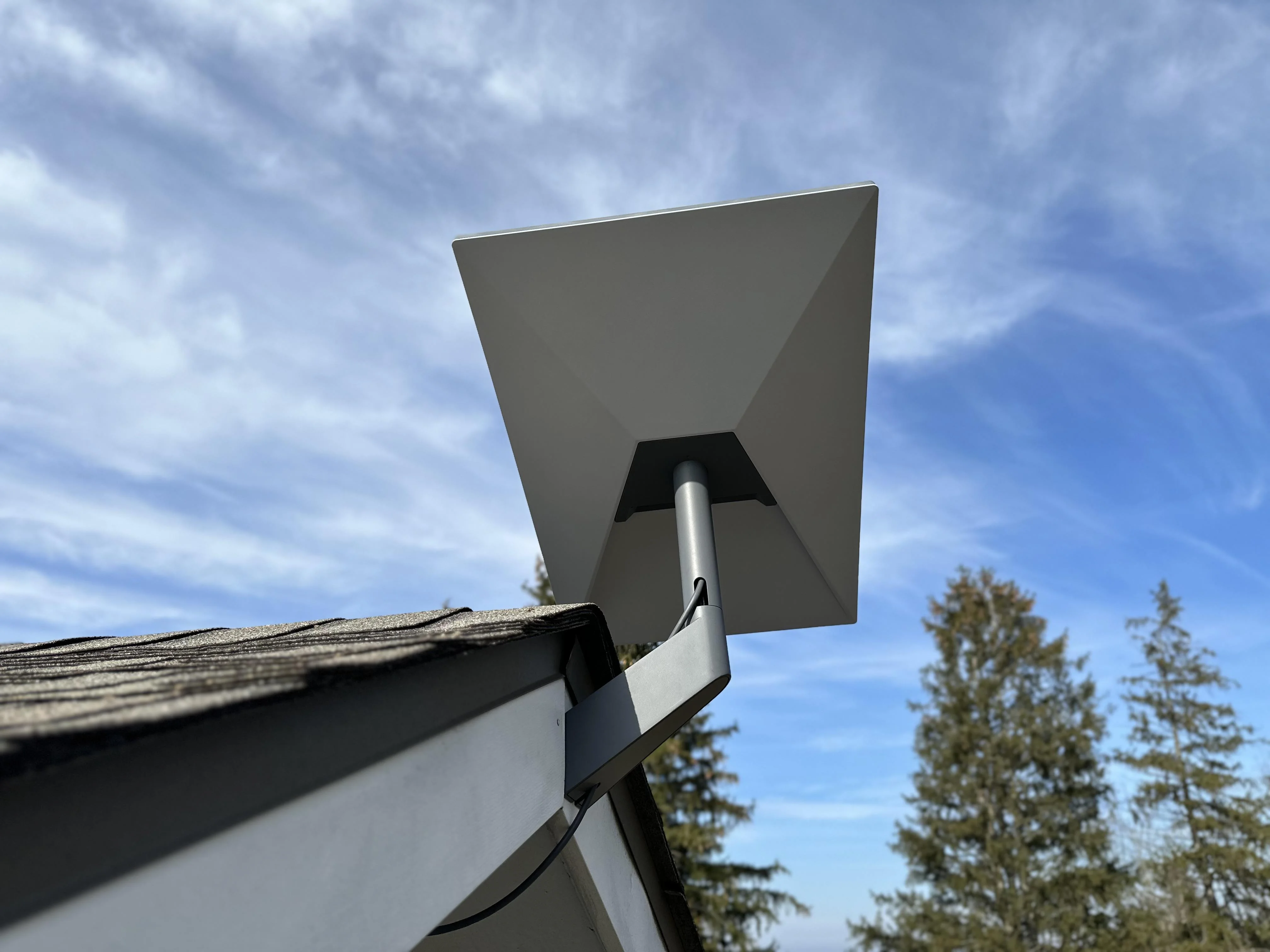
  • Rooftops, towers, and elevated mounting points are often recommended for installation.
  • Conducting a professional site survey helps identify the best location for optimal connectivity.

Starlink works by connecting users directly to a network of low-earth orbit satellites through a smart satellite dish. This innovative technology eliminates the need for traditional fibre infrastructure while delivering reliable internet access across Kenya.

1.2 Who Can Use Starlink in Kenya?

Homes and Apartments

  • Provides reliable internet for everyday household use.
  • Supports streaming platforms such as Netflix and YouTube.
  • Enables remote work and online learning.
  • Allows multiple family members to connect simultaneously.
  • Supports smart home devices and security systems.

Offices and Businesses

  • Helps businesses maintain uninterrupted communication.
  • Supports cloud-based software and applications.
  • Enables video conferencing and virtual meetings.
  • Facilitates online sales, customer service, and digital operations.
  • Can serve as a primary or backup internet connection.

Schools and Institutions

  • Supports digital learning platforms and virtual classrooms.
  • Provides students with access to online educational resources.
  • Enables teachers to conduct research and online training.
  • Supports school management and administrative systems.
  • Improves overall digital learning experiences.

Farms and Remote Sites

  • Provides connectivity in locations where traditional internet is unavailable.
  • Supports farm management software and digital monitoring tools.
  • Enables communication between remote workers and management teams.
  • Helps monitor equipment, security systems, and operations remotely.
  • Improves efficiency in agricultural and industrial activities.

Hotels, Lodges, and Camps

  • Provides reliable Wi-Fi services for guests.
  • Supports online reservations and booking systems.
  • Enables seamless communication with customers and staff.
  • Improves guest satisfaction through better connectivity.
  • Ideal for hospitality facilities located in remote tourism destinations.

Starlink is designed for a wide range of users, including homeowners, businesses, schools, farms, and hospitality establishments. Its flexibility allows reliable internet access in both urban centers and remote regions across Kenya.

1.3 Why Starlink Is Popular in Kenya

Works in Remote Areas

  • Provides internet access where fibre and mobile networks are unavailable.
  • Connects homes and businesses in rural and underserved regions.
  • Supports development in remote communities.
  • Enables digital inclusion across different parts of the country.
  • Reduces dependence on traditional internet infrastructure.

Easy to Deploy

  • Installation is relatively quick and straightforward.
  • Does not require extensive groundwork or cable installations.
  • Can be deployed in temporary or mobile locations.
  • Suitable for construction sites, camps, and remote projects.
  • Users can be connected within a short period after setup.

Reliable for Backup Internet

  • Provides an alternative connection when primary internet services fail.
  • Helps businesses maintain operations during outages.
  • Reduces downtime and productivity losses.
  • Ensures continuous access to online services.
  • Improves network redundancy and reliability.

Suitable for Personal and Business Use

  • Supports web browsing, streaming, and online communication.
  • Handles video conferencing and remote work efficiently.
  • Supports business applications and cloud services.
  • Accommodates multiple connected devices.
  • Serves both individual users and large organizations.

Mini Conclusion

The growing popularity of Starlink in Kenya is driven by its ability to provide dependable internet access almost anywhere. Its flexibility, ease of deployment, and strong performance make it a preferred choice for both residential and commercial users.

Starlink Kenya is transforming internet connectivity by making high-speed internet accessible in locations where traditional services may be limited or unavailable. Through advanced satellite technology, it provides reliable connectivity for homes, businesses, schools, farms, and hospitality facilities, helping users stay connected regardless of their geographical location.

2. Benefits of Starlink Internet in Kenya

Starlink Kenya

Starlink has become one of the most sought-after internet solutions in Kenya due to its ability to provide fast, reliable, and flexible connectivity across a wide range of locations. Whether serving homes in major cities, businesses in commercial centers, or remote facilities far from traditional internet infrastructure, Starlink offers several advantages that make it an attractive alternative to conventional internet services. Its satellite-based technology allows users to stay connected even in areas where fibre and mobile broadband services may be unavailable or unreliable.

2.1 Wide Coverage

Suitable for Urban and Rural Locations

  • Starlink provides internet connectivity across both urban and rural areas of Kenya.
  • Users in cities can utilize Starlink as a primary or backup internet solution.
  • Rural communities can access high-speed internet without waiting for fibre expansion.
  • Coverage is not limited by the availability of mobile towers or wired infrastructure.
  • This allows more people and businesses to participate in the digital economy.

Useful in Remote Areas Where Fibre Is Unavailable

  • Many parts of Kenya still lack access to fibre internet services.
  • Starlink enables connectivity in remote villages, farms, conservancies, and construction sites.
  • It helps organizations maintain communication in isolated regions.
  • Remote schools and healthcare facilities can access online resources more easily.
  • Businesses operating in distant locations can remain connected to customers and suppliers.

One of Starlink's greatest strengths is its ability to provide internet access almost anywhere in Kenya, making reliable connectivity possible in both developed and underserved regions.

2.2 High-Speed Internet

Supports Streaming, Browsing, Downloads, and Video Calls

  • Starlink provides speeds suitable for everyday internet activities.
  • Users can stream HD and 4K videos with minimal buffering.
  • Video conferencing platforms such as Zoom, Microsoft Teams, and Google Meet operate smoothly.
  • Large files can be downloaded and uploaded more efficiently.
  • Multiple users can browse the internet simultaneously without significant performance issues.

Suitable for Homes and Businesses

  • Families can connect smartphones, televisions, laptops, and gaming devices.
  • Businesses can run cloud applications and online systems effectively.
  • Supports remote work and hybrid work environments.
  • Enables online customer support and communication platforms.
  • Helps organizations improve productivity through dependable internet access.

Starlink's high-speed connectivity supports a wide range of personal and professional activities, making it a reliable internet solution for both residential and business users.

2.3 Reliable Backup Internet

Ideal for Offices That Need Redundancy

  • Many businesses rely heavily on internet connectivity for daily operations.
  • Starlink can serve as a secondary connection when the primary network experiences issues.
  • Helps ensure business continuity during service disruptions.
  • Supports critical communication systems and cloud-based services.
  • Provides additional reliability for organizations that cannot afford downtime.

Helps Reduce Downtime During Fibre Outages

  • Fibre networks occasionally experience outages due to maintenance, cable cuts, or technical failures.
  • Starlink offers an alternative pathway for internet access.
  • Employees can continue working even when fibre services are unavailable.
  • Online transactions and customer communications remain uninterrupted.
  • Businesses can maintain productivity and service delivery.

As a backup internet solution, Starlink provides an extra layer of reliability that helps homes and businesses stay connected during network disruptions.

2.4 Quick Deployment

Can Be Installed Faster Than Many Fixed Internet Options

  • Starlink does not require extensive cabling or trenching work.
  • Installation can often be completed within a short period.
  • Users can begin enjoying internet services soon after setup.
  • The equipment is designed for straightforward deployment.
  • This reduces waiting times compared to some traditional internet installations.

Useful for Temporary Sites and Remote Projects

  • Construction sites can obtain internet access without permanent infrastructure.
  • Mining, engineering, and field operations can stay connected.
  • Temporary offices and project locations can deploy the internet quickly.
  • Event venues and mobile operations benefit from flexible connectivity.
  • Organizations can establish communication systems wherever needed.

Starlink's quick deployment capabilities make it an excellent choice for users who need reliable internet without lengthy installation processes.

2.5 Flexible Use Cases

Homes

  • Supports entertainment, learning, communication, and remote work.
  • Connects multiple devices across the household.
  • Provides dependable internet for daily activities.

Businesses

  • Enables cloud computing and digital operations.
  • Supports customer service and communication systems.
  • Helps maintain efficient business processes.

Schools and Educational Institutions

  • Supports online learning and research.
  • Provides access to educational resources.
  • Improves digital learning environments.

NGOs and Humanitarian Organizations

  • Facilitates communication in remote project areas.
  • Supports data collection and reporting activities.
  • Enhances coordination between field teams and headquarters.

Farms and Agricultural Operations

  • Enables smart farming applications.
  • Supports security monitoring and equipment management.
  • Improves operational efficiency.

Hotels, Lodges, and Field Operations

  • Provides reliable guest internet services.
  • Supports reservations and operational systems.
  • Enables communication in remote tourism destinations.

Starlink's versatility allows it to serve a diverse range of users, from households and businesses to schools, NGOs, farms, and hospitality establishments.

Starlink internet offers significant benefits for users across Kenya, including extensive coverage, high-speed connectivity, reliable backup capabilities, rapid deployment, and flexible applications. These advantages make it a powerful solution for individuals and organizations seeking dependable internet access regardless of their location.

3. Starlink Kits Available in Kenya

Starlink Kenya

Starlink offers several hardware options designed to meet different internet connectivity requirements. Whether you need internet for a home, business, remote work site, mobile operations, or large-scale enterprise deployment, there is a Starlink kit tailored to your specific needs. Choosing the right kit is important because it directly affects performance, portability, coverage, and the number of users that can be supported. Understanding the differences between the available Starlink kits can help users make informed decisions based on their location, usage requirements, and budget.

3.1 Starlink Standard Kit

Suitable for Homes and Small Businesses

  • Designed for residential users and small business environments.
  • Provides reliable internet for everyday activities such as browsing, streaming, and video conferencing.
  • Supports multiple users connected simultaneously.
  • Suitable for home offices, apartments, shops, and small organizations.
  • Delivers consistent performance for typical internet usage.

Good for Fixed Installation

  • Intended for permanent installation at a specific location.
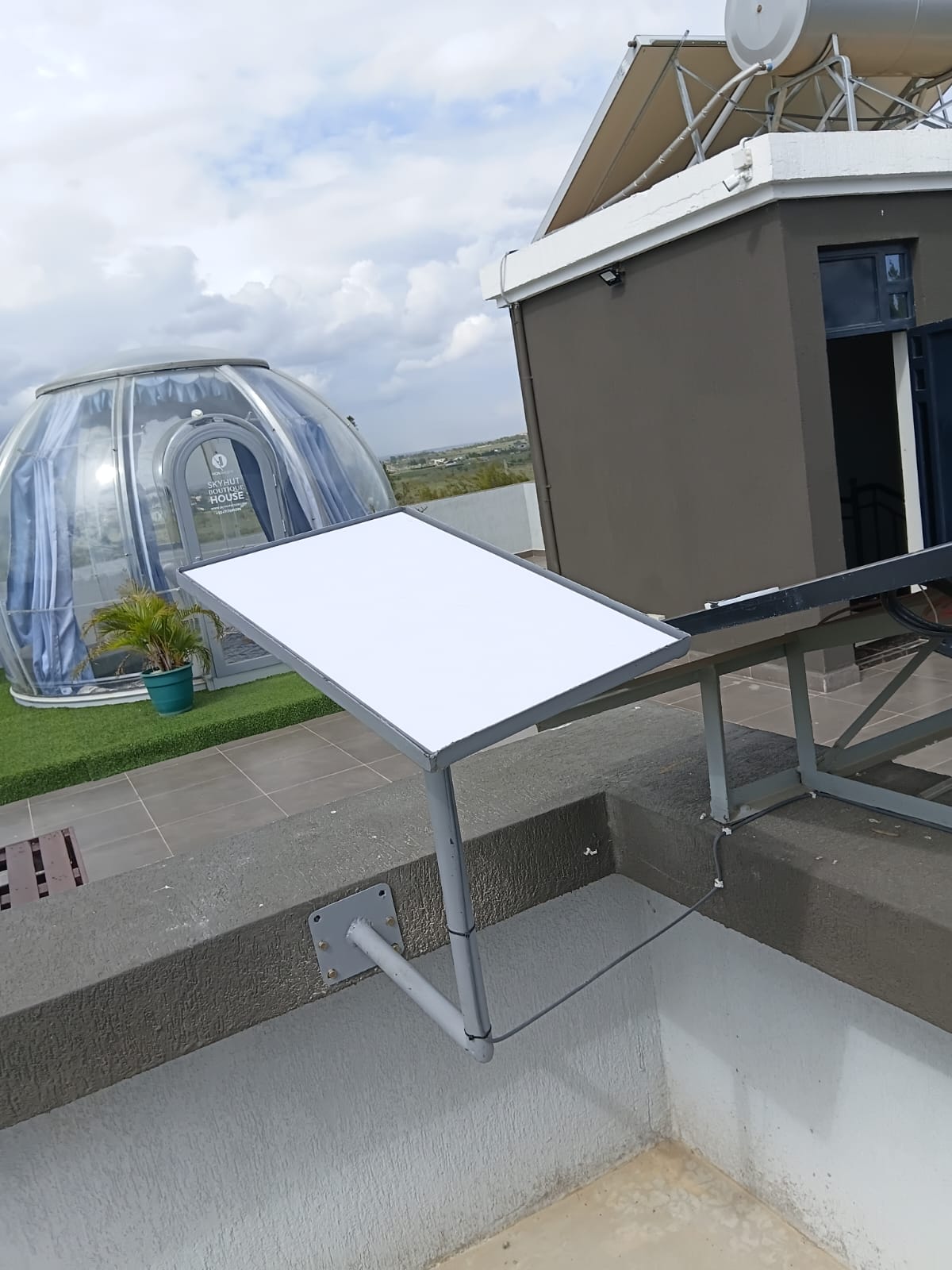
  • Can be mounted on rooftops, poles, walls, or dedicated mounts.
  • Offers stable connectivity when installed with a clear view of the sky.
  • Ideal for users who require continuous internet access at one site.
  • Works well as either a primary or backup internet connection.

Common Choice for Residential Users

  • One of the most popular Starlink kits in Kenya.
  • Easy to install and maintain.
  • Suitable for families, remote workers, and students.
  • Supports streaming services, online gaming, and smart home devices.
  • Provides a balance between performance and affordability.

The Starlink Standard Kit is an excellent choice for homes and small businesses seeking reliable, high-speed internet for everyday use and fixed installations.

3.2 Starlink Mini Kit

Compact and Portable Option

  • Smaller and lighter than the Standard Kit.
  • Easy to transport between locations.
  • Designed for users who require internet on the move.
  • Convenient for mobile professionals and outdoor users.
  • Can fit easily into vehicles and travel equipment.

Suitable for Travel, Fieldwork, and Backup Use

  • Ideal for camping, road trips, and mobile operations.
  • Supports internet connectivity during field projects.
  • Useful for emergency response teams and remote workers.
  • Provides connectivity in areas with limited communication infrastructure.
  • Can serve as a backup internet solution for homes and businesses.

Lower Power Consumption

  • Consumes less power than larger Starlink systems.
  • Suitable for solar-powered installations.
  • Can be used with portable power stations and batteries.
  • Ideal for off-grid locations.
  • Helps reduce energy costs during operation.

The Starlink Mini Kit is perfect for users who need a lightweight, portable, and energy-efficient internet solution for travel, fieldwork, and remote connectivity.

3.3 Starlink High Performance Kit

Designed for Demanding Users

  • Built for users with higher connectivity requirements.
  • Supports larger workloads and heavier internet usage.
  • Delivers enhanced performance compared to standard residential systems.
  • Suitable for environments where network reliability is critical.
  • Handles multiple simultaneous users efficiently.

Better Performance in Challenging Environments

  • Designed to operate effectively in harsh weather conditions.
  • Provides improved satellite tracking capabilities.
  • Maintains stronger connectivity in demanding environments.
  • Suitable for exposed locations and industrial sites.
  • Enhances network stability and uptime.

Suitable for Business and Enterprise Applications

  • Supports corporate operations and large offices.
  • Enables reliable video conferencing and cloud services.
  • Suitable for logistics companies, construction projects, and industrial facilities.
  • Supports critical communication systems.
  • Provides dependable connectivity for business continuity.

The Starlink High Performance Kit is designed for organizations and users who require enhanced reliability, stronger performance, and dependable connectivity in demanding environments.

3.4 Starlink Enterprise Kit

Built for Professional and High-Demand Deployments

  • Designed for large-scale internet deployments.
  • Supports organizations with significant connectivity requirements.
  • Built to handle intensive workloads and high network demand.
  • Suitable for mission-critical applications.
  • Provides enterprise-grade performance and reliability.

Suitable for Organizations, Institutions, and Critical Operations

  • Ideal for schools, universities, hospitals, and government institutions.
  • Supports large office complexes and corporate facilities.
  • Suitable for mining operations, manufacturing plants, and industrial sites.
  • Enables connectivity for humanitarian and disaster response operations.
  • Supports remote branch offices and nationwide organizations.

Supports Large Numbers of Users

  • Designed to accommodate many connected devices simultaneously.
  • Enables large-scale collaboration and communication.
  • Supports extensive cloud-based operations.
  • Handles heavy network traffic efficiently.
  • Provides reliable internet access for high-demand environments.

The Starlink Enterprise Kit is the ideal solution for organizations requiring maximum performance, scalability, and reliability for critical business and institutional operations.

Starlink offers a range of kits to meet different connectivity requirements, from residential internet users to large enterprises. The Standard Kit is ideal for homes and small businesses, the Mini Kit provides portability and flexibility, the High Performance Kit delivers enhanced reliability for demanding environments, and the Enterprise Kit supports large-scale professional deployments. Selecting the right kit depends on your location, internet usage requirements, number of users, and operational needs.

4. Starlink Installation in Kenya

Starlink Kenya

Proper Starlink installation is one of the most important factors that determine the quality, stability, and reliability of your internet connection. Even the best Starlink kit may experience reduced performance if it is installed incorrectly or placed in an area with obstructions. A professional installation process ensures that the Starlink dish has a clear view of the sky, cables are routed safely, the router is positioned correctly, and the entire system is optimized for maximum performance. Whether installing Starlink in a home, office, school, hotel, farm, or remote facility, proper installation helps users achieve the best possible internet experience.

4.1 Site Survey

Checks for Clear Sky View

  • A site survey begins by identifying whether the installation location has an unobstructed view of the sky.
  • Technicians assess nearby trees, buildings, towers, and other structures that may block satellite signals.
  • Areas with fewer obstructions generally provide better connectivity and fewer interruptions.
  • The survey helps determine whether rooftop, wall, or pole mounting will be required.
  • Proper sky visibility is essential for maintaining a stable connection to Starlink satellites.

Identifies the Best Mounting Position

  • The installer determines the safest and most effective location for mounting the Starlink dish.
  • Factors such as building height, roof structure, accessibility, and safety are considered.
  • The chosen location should provide long-term stability and protection for the equipment.
  • Proper positioning helps maximize signal quality and internet performance.
  • It also simplifies future maintenance if needed.

Evaluates Cable Routing and Power Access

  • The survey identifies the shortest and safest route for running Starlink cables.
  • Potential hazards that could damage cables are noted and avoided.
  • Available power sources are assessed to ensure reliable operation.
  • The installer checks whether additional accessories or cable extensions may be needed.
  • Planning cable routes helps create a neat and professional installation.

A thorough site survey helps identify the best installation approach, ensuring the Starlink system operates efficiently and delivers consistent internet performance.

4.2 Mounting Options

Rooftop Mounting

  • One of the most common Starlink installation methods.
  • Provides elevated positioning for better satellite visibility.
  • Reduces the likelihood of signal obstructions.
  • Suitable for homes, offices, schools, and commercial buildings.
  • Often delivers the best overall performance.

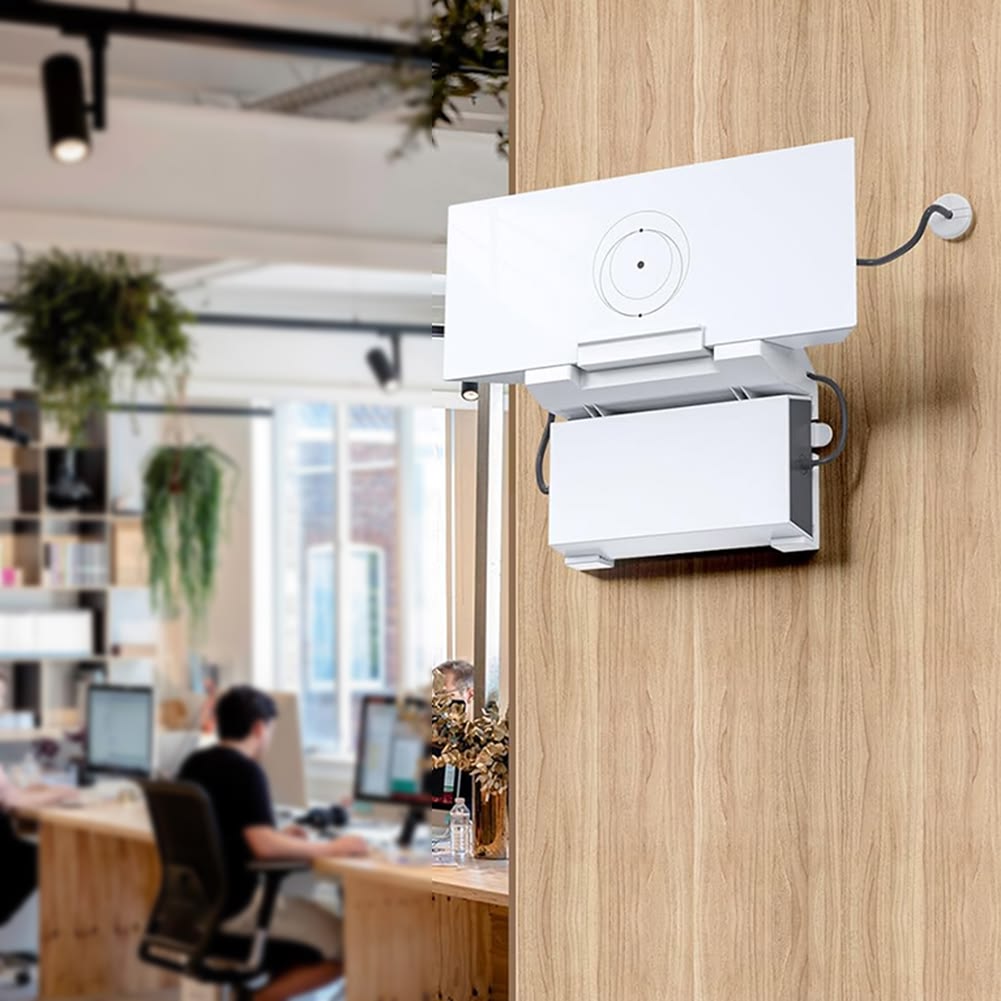
Wall Mounting

  • Suitable when roof access is difficult or limited.
  • Allows secure attachment to building walls.
  • Helps achieve a clear line of sight to the sky.
  • Common for residential and small business installations.
  • Provides a clean and professional appearance.

Pole Mounting

  • Ideal for locations with surrounding obstructions.
  • Allows the dish to be elevated above trees, walls, and nearby structures.
  • Commonly used on farms, industrial sites, and large properties.
  • Provides flexibility in positioning the dish.
  • Enhances signal quality in challenging environments.

Ground Stand Installation

  • Suitable for temporary installations and open spaces.
  • Easy to deploy and relocate if necessary.
  • Commonly used for events, camps, and construction sites.
  • Requires adequate protection against accidental movement.
  • Works best in locations with a completely clear sky view.

Selecting the right mounting option ensures optimal satellite visibility and helps maintain reliable internet connectivity throughout the year.

4.3 Cable Routing

Clean Cable Management

  • Proper cable routing creates a neat and professional installation.
  • Prevents cables from becoming tangled or disorganized.
  • Improves the overall appearance of the installation.
  • Makes troubleshooting and maintenance easier.
  • Reduces the risk of accidental cable damage.

Protection from Damage

  • Cables should be protected from weather exposure and physical damage.
  • Proper routing minimizes risks from foot traffic, animals, and equipment.
  • Protective conduits may be used where necessary.
  • Secure cable fastening prevents unnecessary movement.
  • Well-protected cables contribute to long-term system reliability.

Proper Indoor Router Placement

  • The router should be positioned centrally for better Wi-Fi coverage.
  • Placement affects signal strength throughout the building.
  • Avoiding enclosed spaces helps improve wireless performance.
  • Strategic placement reduces dead zones.
  • Proper router positioning enhances user experience across multiple devices.

Effective cable routing improves system reliability, protects equipment, and ensures strong Wi-Fi performance throughout the property.

4.4 Router Setup

Wi-Fi Configuration

  • The router is configured to distribute the internet throughout the property.
  • Wireless settings are adjusted for optimal performance.
  • Multiple devices can be connected simultaneously.
  • Configuration ensures stable and secure internet access.
  • Proper setup maximizes coverage and connectivity.

Network Name and Password Setup

  • A unique Wi-Fi network name (SSID) is created.
  • Secure passwords are configured to protect the network.
  • Unauthorized access can be prevented through proper security settings.
  • Users can personalize network settings according to their preferences.
  • Strong credentials help improve cybersecurity.

Speed Testing and Optimization

  • Internet speeds are tested after installation.
  • Technicians verify download and upload performance.
  • Network settings may be adjusted for better results.
  • Wi-Fi coverage is evaluated throughout the premises.
  • Optimization helps ensure users receive the best possible performance.

Proper router setup ensures secure connectivity, strong wireless coverage, and optimized network performance for all connected devices.

4.5 Obstruction Testing

Ensures the Dish Has Clear Satellite Visibility

  • Obstruction testing verifies that the dish can communicate effectively with satellites.
  • The Starlink system checks for objects that may interfere with signals.
  • Areas with minimal obstructions provide better connectivity.
  • Testing helps confirm the suitability of the installation location.
  • Results guide any necessary adjustments to dish placement.

Reduces Dropouts and Unstable Connections

  • Obstructions can cause temporary service interruptions.
  • Testing helps identify potential causes of connectivity issues.
  • Relocating the dish may improve performance significantly.
  • A clear sky view enhances reliability and consistency.
  • Users experience fewer interruptions during streaming, calls, and online work.

Obstruction testing is essential for achieving a stable and uninterrupted Starlink connection by ensuring clear communication between the dish and satellites.

Professional Starlink installation involves much more than simply mounting a dish. It includes a detailed site survey, proper mounting selection, safe cable routing, router configuration, and obstruction testing. Each step plays a crucial role in ensuring maximum speed, stability, and long-term reliability. By investing in a professional installation, users can enjoy the full benefits of Starlink internet while minimizing connectivity issues and future maintenance challenges.

5. Starlink Internet Plans in Kenya

Starlink Kenya

Starlink offers several internet service plans in Kenya to accommodate different user requirements, usage patterns, and operational needs. Whether you need internet for a home, office, school, hotel, mobile operation, or mission-critical business environment, Starlink provides plan options designed to deliver the appropriate balance of performance, flexibility, and reliability. Understanding the available plans helps users choose a package that matches their internet usage, mobility requirements, and business objectives.

5.1 Residential Plans

Suitable for Homes and Personal Use

  • Designed primarily for residential customers and households.
  • Provides reliable internet for everyday online activities.
  • Supports families with multiple connected devices.
  • Suitable for apartments, houses, and residential compounds.
  • Offers an affordable solution for users seeking dependable internet access.

Good for Browsing, Streaming, and Remote Work

  • Supports web browsing and social media usage.
  • Enables HD and 4K video streaming services.
  • Facilitates remote work and home office activities.
  • Supports online learning and virtual classrooms.
  • Allows video conferencing through platforms such as Zoom and Microsoft Teams.

Ideal for Multiple Connected Devices

  • Supports smartphones, tablets, laptops, and smart TVs.
  • Accommodates smart home technologies and security systems.
  • Allows multiple users to access the internet simultaneously.
  • Provides sufficient bandwidth for typical household activities.
  • Delivers a stable experience for everyday digital needs.

Residential plans are ideal for households seeking reliable internet for entertainment, communication, education, and remote work activities.

5.2 Business Plans

Designed for Organizations and Higher Usage Environments

  • Built for businesses that require dependable internet connectivity.
  • Supports larger numbers of users and connected devices.
  • Suitable for organizations with higher bandwidth demands.
  • Helps maintain productivity across business operations.
  • Designed to support continuous online activities throughout the day.

Suitable for Offices, Hotels, Schools, and Companies

  • Supports corporate offices and commercial facilities.
  • Provides connectivity for hotels and hospitality establishments.
  • Enables schools and educational institutions to access online resources.
  • Supports retail stores, warehouses, and industrial facilities.
  • Suitable for organizations operating in remote locations.

Supports Business-Critical Applications

  • Enables cloud computing and online collaboration tools.
  • Supports customer service and communication systems.
  • Facilitates digital transactions and online operations.
  • Helps organizations maintain connectivity during critical activities.
  • Improves operational efficiency and productivity.

Business plans provide enhanced connectivity for organizations that require reliable internet to support daily operations, communication, and growth.

5.3 Roam Plans

Suitable for Users Who Need Portable Internet

  • Designed for users who frequently change locations.
  • Allows internet access away from a fixed installation site.
  • Suitable for mobile professionals and field teams.
  • Provides flexibility for users who travel regularly.
  • Enables connectivity in locations without permanent internet infrastructure.

Useful for Travel, Fieldwork, and Temporary Locations

  • Ideal for construction projects and temporary offices.
  • Supports internet access during camping and outdoor activities.
  • Useful for humanitarian and disaster response operations.
  • Provides connectivity for survey teams and field researchers.
  • Enables communication in remote and changing environments.

Flexible Connectivity Across Multiple Locations

  • Allows users to remain connected while moving between sites.
  • Supports operations that require internet access in different regions.
  • Helps businesses maintain communication during travel.
  • Reduces dependence on local internet providers.
  • Enhances mobility without sacrificing connectivity.

Roam plans are best suited for users who require internet access across multiple locations and need the flexibility of portable connectivity.

5.4 Priority Plans

Designed for Users Needing Higher Service Priority

  • Intended for users with demanding internet requirements.
  • Provides enhanced network performance during periods of congestion.
  • Supports applications that require consistent connectivity.
  • Helps maintain service quality for critical operations.
  • Suitable for organizations that depend heavily on internet availability.

Suitable for Business-Critical Operations

  • Supports financial institutions and corporate environments.
  • Enables uninterrupted communication and collaboration.
  • Supports cloud-based business applications.
  • Facilitates mission-critical operations in remote locations.
  • Helps organizations maintain high service standards.

Enhanced Reliability and Performance

  • Designed for environments where downtime can have significant consequences.
  • Provides a more dependable connectivity experience.
  • Supports large-scale operational requirements.
  • Helps maintain productivity during peak usage periods.
  • Suitable for enterprise-grade deployments and professional environments.

Priority plans are designed for organizations and users who require higher levels of performance, reliability, and network priority for critical operations.

Starlink offers a variety of internet plans to meet the needs of different users across Kenya. Residential plans are ideal for homes and personal use, Business plans support organizations and higher-demand environments, Roam plans provide flexibility for mobile users, and Priority plans deliver enhanced performance for mission-critical operations. Choosing the right Starlink plan depends on your internet usage requirements, mobility needs, number of users, and the importance of maintaining reliable connectivity.

6. Starlink Kenya Price Considerations

Starlink Kenya

When planning to purchase Starlink in Kenya, it is important to understand that the total cost goes beyond simply buying the Starlink kit. The final investment depends on several factors, including the type of Starlink hardware selected, the monthly subscription plan, installation requirements, accessories needed, and the specific conditions at the installation site. Understanding these cost components helps individuals and organizations budget accurately and choose the most suitable Starlink solution for their needs.

6.1 Hardware Cost

Different Kits Have Different Prices

  • Starlink hardware pricing varies depending on the type of kit selected.
  • Each kit is designed to serve different user requirements and environments.
  • More advanced kits generally cost more due to enhanced capabilities.
  • Hardware pricing typically reflects performance, durability, and intended usage.
  • Choosing the right hardware helps avoid unnecessary expenses while meeting connectivity needs.

Standard, Mini, High Performance, and Enterprise Options Vary

  • The Standard Kit is commonly chosen by residential users and small businesses.
  • The Mini Kit is designed for portability and mobile connectivity.
  • The High Performance Kit is intended for demanding environments and higher usage requirements.
  • The Enterprise Kit supports large-scale and mission-critical deployments.
  • Each option offers different levels of performance, capacity, and scalability.

Hardware Selection Impacts Long-Term Value

  • Selecting the correct kit ensures optimal performance for your intended application.
  • Over-investing in unnecessary hardware can increase costs without additional benefits.
  • Underestimating requirements may result in performance limitations.
  • The chosen hardware should align with expected internet usage and future growth.
  • A proper assessment helps maximize return on investment.

The hardware cost is often the largest initial expense when purchasing Starlink, and selecting the appropriate kit is essential for achieving the best balance between cost and performance.

6.2 Monthly Subscription

Depends on the Selected Service Plan

  • Starlink offers different service plans designed for varying user needs.
  • Monthly costs vary depending on the plan selected.
  • Users can choose plans based on expected internet usage and operational requirements.
  • Different plans provide different levels of flexibility and service features.
  • Subscription costs should be considered as part of the long-term investment.

Residential and Business Plans Differ

  • Residential plans are typically designed for personal and household internet use.
  • Business plans are intended for organizations with higher connectivity demands.
  • Business users may require enhanced reliability and operational support.
  • Larger organizations often select plans that accommodate more users and devices.
  • The choice between residential and business plans depends on usage requirements and operational objectives.

Ongoing Operational Cost

  • Monthly subscriptions represent the recurring cost of using Starlink services.
  • Users should budget for continuous service payments.
  • Subscription costs should be evaluated alongside hardware and installation expenses.
  • Long-term internet needs should influence plan selection.
  • Understanding recurring costs helps with financial planning.

Monthly subscription fees form an important part of Starlink ownership and should be selected based on internet usage requirements and operational goals.

6.3 Installation Cost

Depends on Mounting Complexity

  • Installation costs vary depending on the complexity of the site.
  • Simple installations generally require less labor and fewer materials.
  • Complex installations may require additional equipment and specialized mounting.
  • Building height and accessibility can influence installation requirements.
  • Proper installation helps maximize system performance and reliability.

Rooftop and Long Cable Installations May Cost More

  • Rooftop installations often require additional safety equipment and labor.
  • Long cable runs may increase material costs.
  • Difficult access points can extend installation time.
  • Additional mounting hardware may be necessary for certain locations.
  • Custom installation solutions can affect the overall project budget.

Professional Installation Benefits

  • Ensures correct dish positioning.
  • Helps avoid performance issues caused by poor placement.
  • Improves long-term reliability and equipment lifespan.
  • Reduces the likelihood of future maintenance costs.
  • Provides users with a fully optimized Starlink system.

Installation costs depend largely on site conditions and mounting requirements, but professional installation helps ensure optimal performance and long-term reliability.

6.4 Accessories

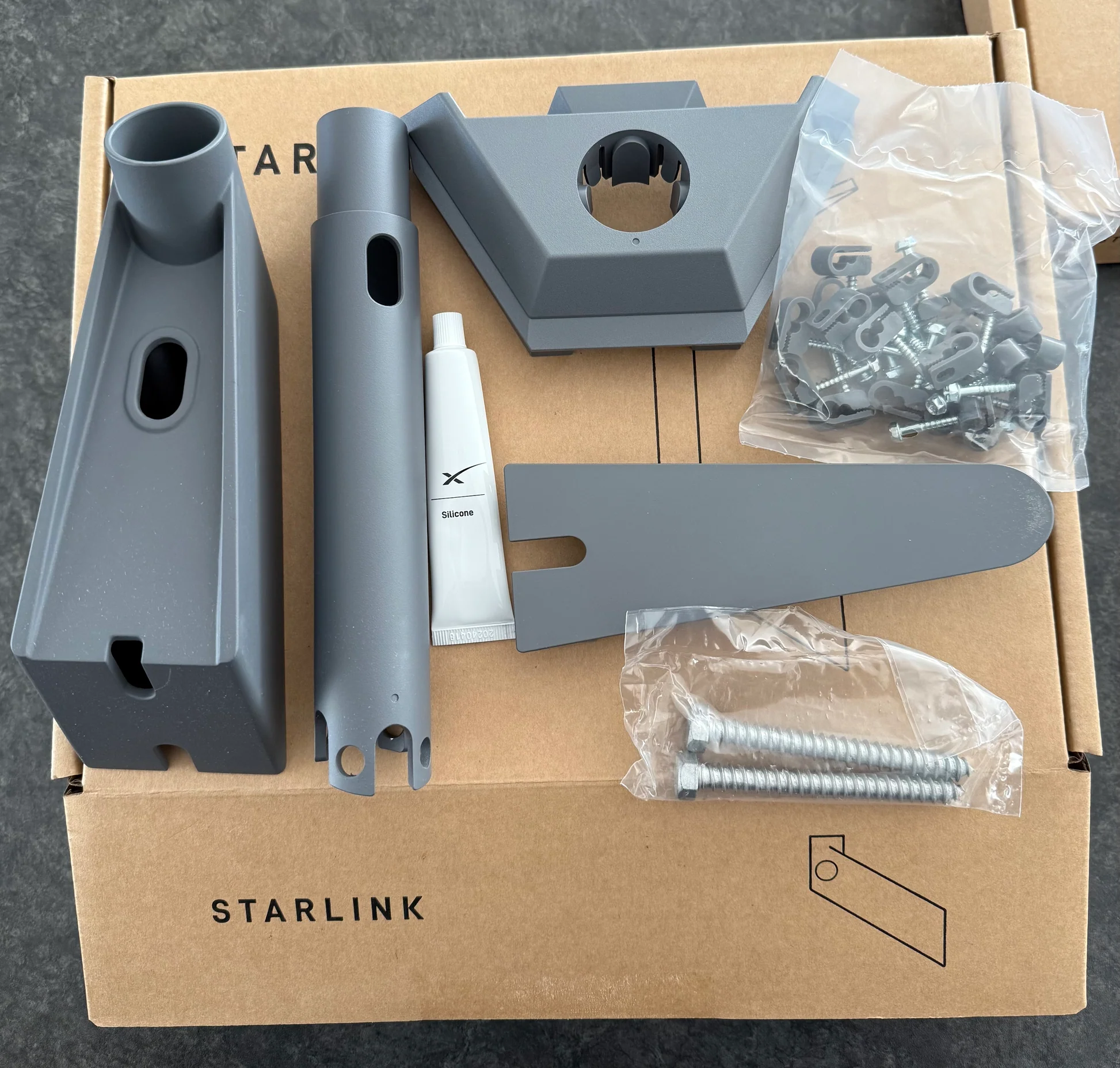
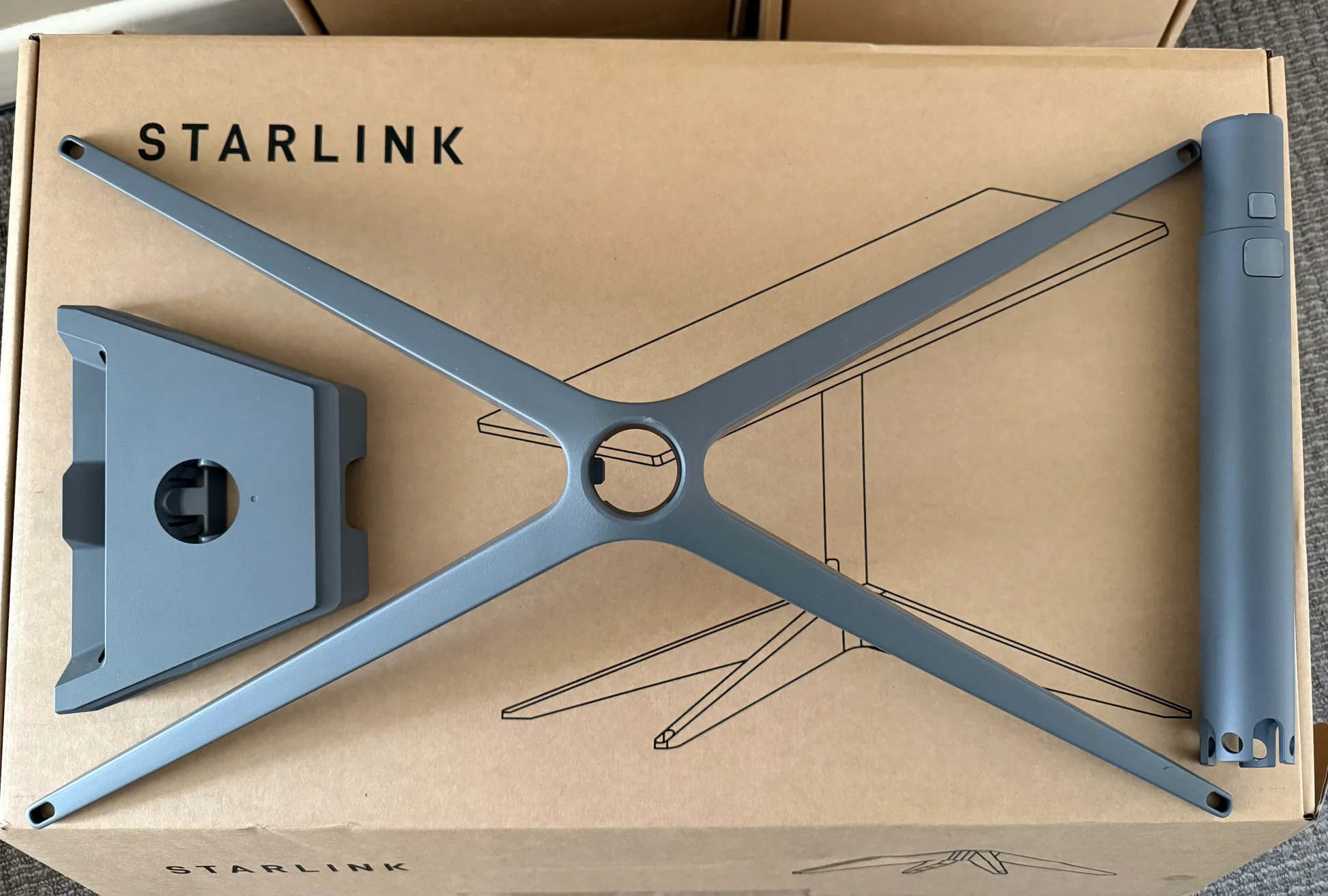
Mounting Stands

  • Used when the installation location requires additional elevation or support.
  • Improve satellite visibility in areas with obstructions.
  • Provide stability for ground and rooftop installations.
  • Suitable for temporary and permanent deployments.
  • Help optimize dish placement.

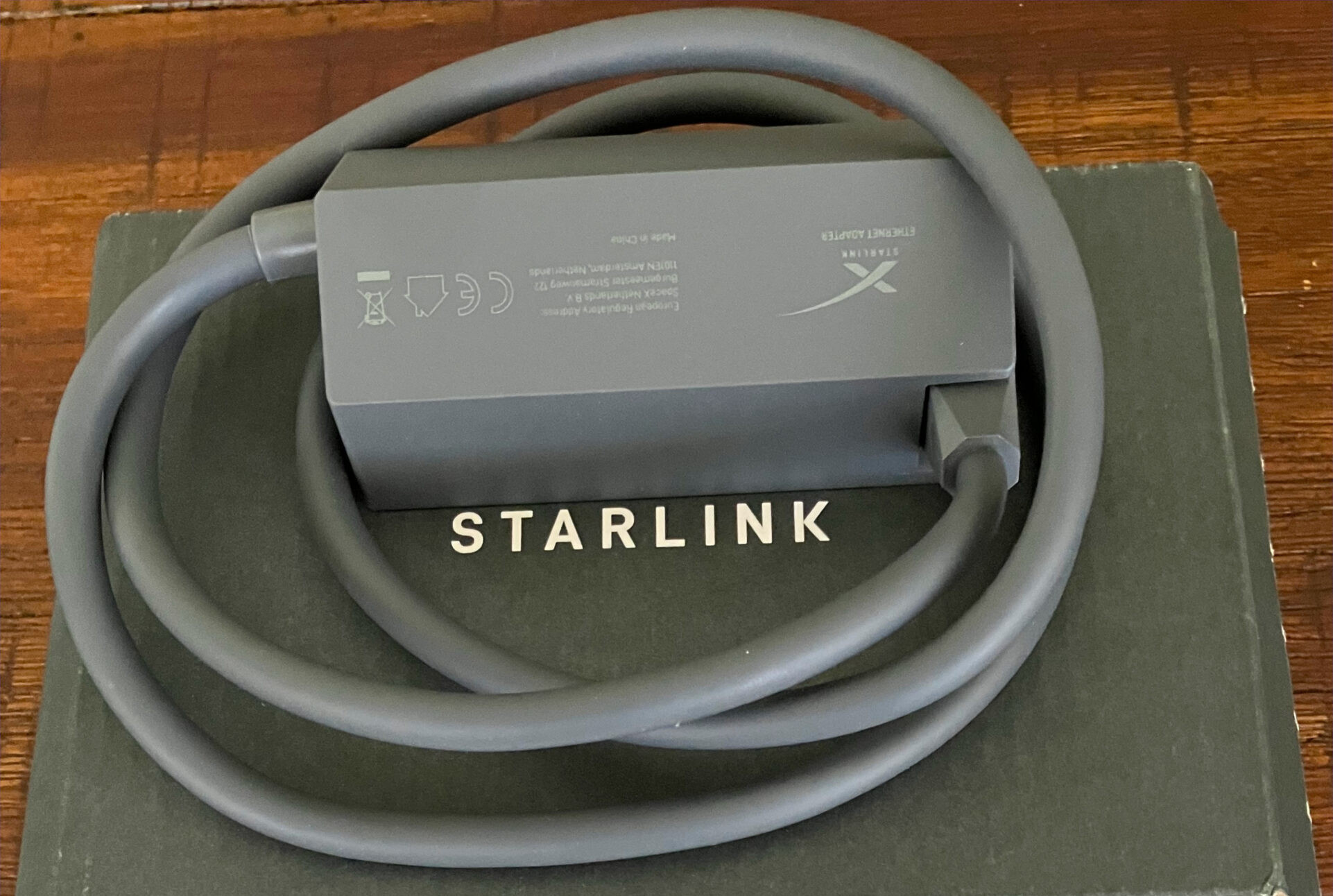
Ethernet Adapters

  • Allow direct wired network connections.
  • Improve connectivity for devices requiring stable wired access.
  • Useful for offices and advanced networking setups.
  • Support network expansion and integration.
  • Enhance flexibility in network design.

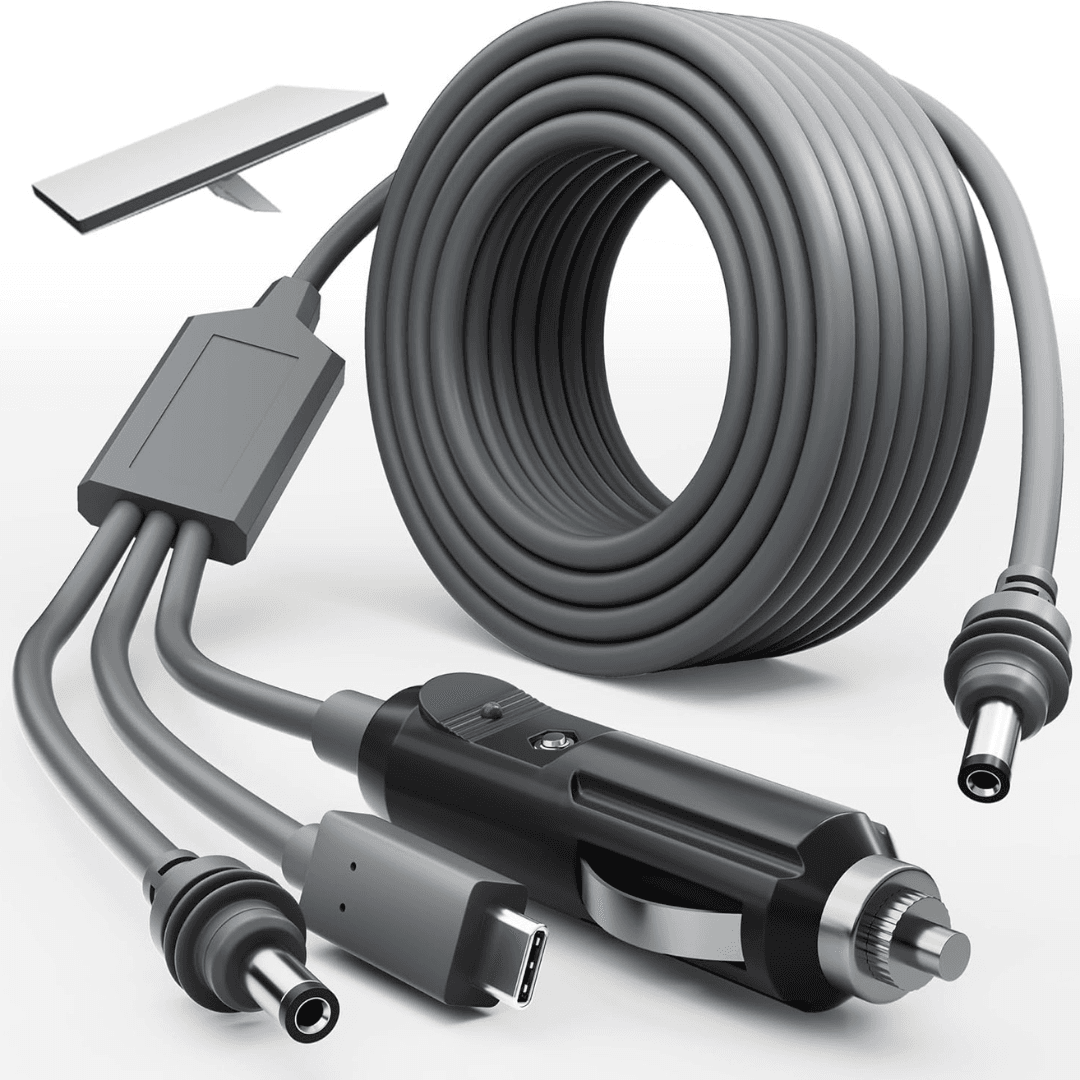
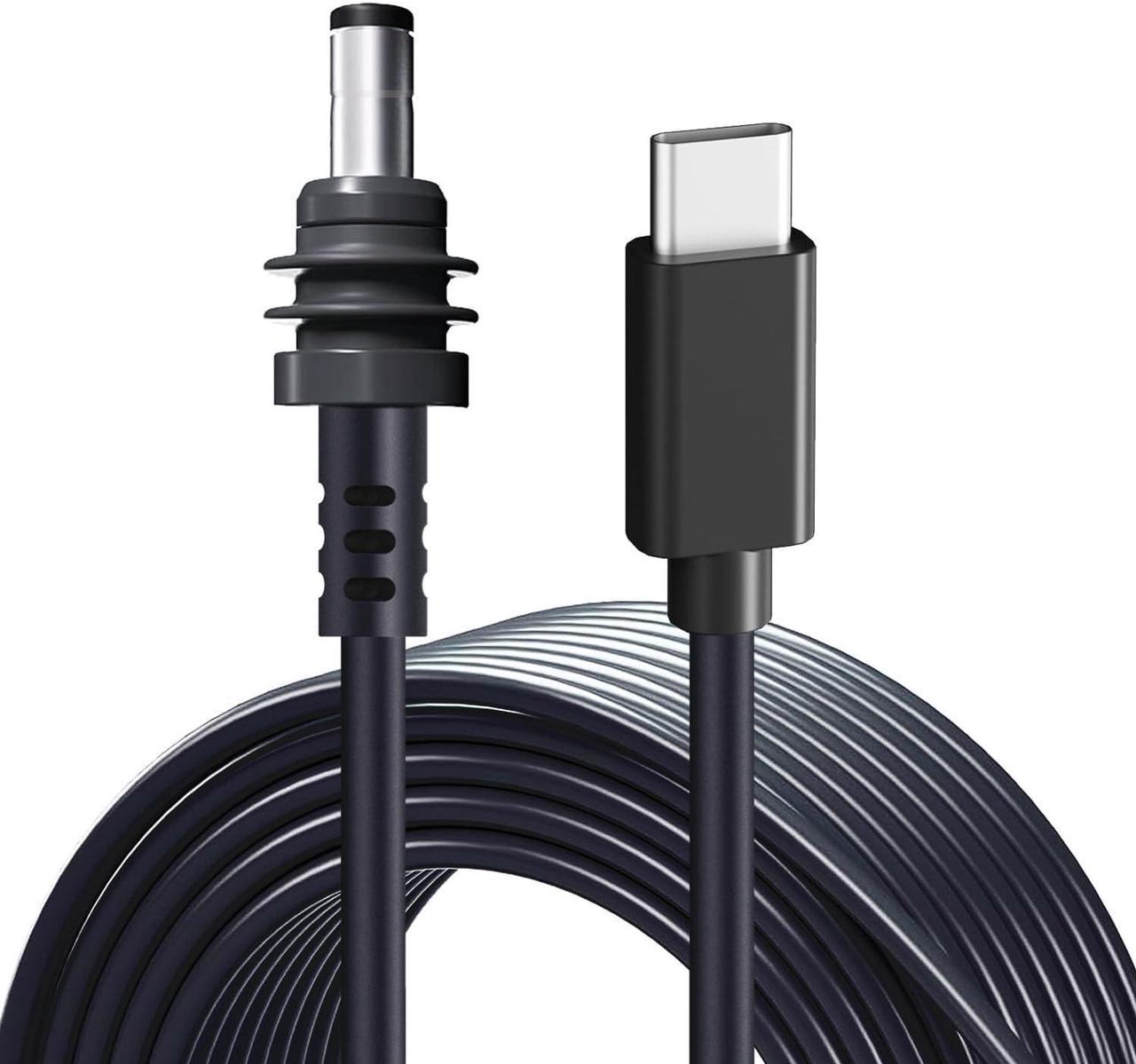
Longer Cables

  • Required when the installation point is far from the router location.
  • Provide greater flexibility in dish placement.
  • Allow installers to choose the most suitable mounting position.
  • Help overcome distance limitations.
  • Support complex building layouts.

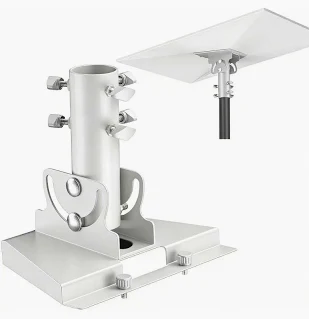
Pipe Adapters and Wall Mounts

  • Facilitate secure installation on different structures.
  • Improve mounting flexibility.
  • Suitable for rooftops, poles, and building walls.
  • Enhance installation stability and safety.
  • Help achieve optimal satellite visibility.

Accessories play an important role in improving installation flexibility, optimizing performance, and adapting Starlink systems to different environments.

6.5 Site Requirements

Remote Locations May Require Additional Logistics

  • Transportation costs may increase for remote installations.
  • Some locations require specialized travel arrangements.
  • Additional labor may be needed in difficult-to-access areas.
  • Equipment delivery may involve longer lead times.
  • Remote deployments often require detailed planning.

Special Mounting May Require Extra Materials

  • Certain locations may require custom mounting structures.
  • Tall buildings may need specialized brackets and supports.
  • Sites with heavy obstructions may require elevated mounting systems.
  • Harsh environments may require additional protective equipment.
  • Custom solutions can increase project costs but improve performance.

Environmental and Structural Considerations

  • Roof type may influence mounting requirements.
  • Existing infrastructure can affect installation complexity.
  • Weather exposure may require additional protection measures.
  • Site safety requirements can impact project planning.
  • Structural assessments may be necessary for large installations.

Every installation site is unique, and specific environmental, structural, and logistical requirements can significantly influence the overall cost of deploying Starlink.

The total cost of Starlink in Kenya extends beyond the hardware purchase price. Users should consider the Starlink kit selected, monthly subscription fees, installation requirements, necessary accessories, and site-specific conditions when planning their investment. By evaluating all these factors together, homes, businesses, schools, hotels, farms, and organizations can choose a Starlink solution that delivers the best value, performance, and long-term reliability.

7. Where Starlink Is Useful in Kenya

Starlink Kenya

Starlink has become one of the most versatile internet solutions in Kenya because it can be deployed in a wide range of environments. Unlike traditional internet services that depend on fibre networks or mobile towers, Starlink can provide reliable connectivity almost anywhere with a clear view of the sky. This flexibility makes it suitable for homes, businesses, schools, hotels, farms, construction sites, and many other locations where stable internet is essential for communication, productivity, learning, and daily operations.

7.1 Homes and Apartments

Streaming and Entertainment

  • Supports HD and 4K video streaming services.
  • Allows uninterrupted access to movies, television shows, and online content.
  • Supports music streaming platforms and online entertainment.
  • Enables multiple family members to stream content simultaneously.
  • Provides a smooth viewing experience with minimal buffering.

Browsing and Everyday Internet Use

  • Supports web browsing, social media, and email communication.
  • Enables access to online banking and digital services.
  • Provides reliable connectivity for everyday household activities.
  • Allows multiple devices to remain connected simultaneously.
  • Improves access to information and online resources.

Online Learning and Remote Work

  • Supports virtual classrooms and online courses.
  • Enables students to access educational materials and research resources.
  • Facilitates remote work and home office operations.
  • Supports video conferencing and collaboration platforms.
  • Helps families stay productive and connected.

For residential users, Starlink provides dependable internet for entertainment, education, communication, and remote work activities.

7.2 Businesses and Offices

Backup Internet Solution

  • Provides a secondary connection when primary internet services fail.
  • Helps reduce operational disruptions caused by fibre outages.
  • Supports business continuity during network interruptions.
  • Ensures critical systems remain online.
  • Protects organizations from costly downtime.

Daily Business Operations

  • Supports cloud-based software and business applications.
  • Enables communication with customers, suppliers, and partners.
  • Facilitates online transactions and digital services.
  • Supports customer service platforms and communication tools.
  • Enhances overall business productivity.

Supports Remote and Branch Offices

  • Connects offices located in remote areas.
  • Supports communication between multiple business locations.
  • Enables centralized management and collaboration.
  • Improves access to cloud resources.
  • Maintains reliable connectivity across distributed operations.

Businesses use Starlink to maintain reliable connectivity, improve operational efficiency, and reduce the risks associated with internet downtime.

7.3 Schools and Institutions

E-Learning and Online Education

  • Enables access to virtual learning platforms.
  • Supports online lessons and educational content.
  • Allows students to participate in remote learning programs.
  • Expands educational opportunities beyond physical classrooms.
  • Improves access to global learning resources.

Research and Information Access

  • Provides access to online journals and research databases.
  • Supports academic research and collaborative projects.
  • Enables students and educators to access current information.
  • Improves learning outcomes through digital resources.
  • Facilitates knowledge sharing and innovation.

Administration and Digital Systems

  • Supports school management systems.
  • Enables digital record keeping and reporting.
  • Facilitates communication between teachers, students, and parents.
  • Supports examination and assessment platforms.
  • Improves institutional efficiency and operations.

Starlink helps educational institutions improve learning experiences, support digital transformation, and enhance access to educational resources.

7.4 Hotels, Lodges, and Camps

Guest Wi-Fi Services

  • Provides reliable internet access for guests.
  • Enhances guest satisfaction and overall experience.
  • Supports streaming, browsing, and communication needs.
  • Allows guests to remain connected while traveling.
  • Improves the competitiveness of hospitality establishments.

Reservation and Booking Systems

  • Supports online booking platforms.
  • Enables real-time reservation management.
  • Facilitates communication with travel agents and customers.
  • Supports online payment systems.
  • Improves operational efficiency.

Staff and Operational Communication

  • Enables communication between departments.
  • Supports property management systems.
  • Facilitates coordination of hospitality services.
  • Improves service delivery and response times.
  • Supports digital business operations.

Hotels, lodges, and camps use Starlink to improve guest experiences while supporting critical hospitality operations and communications.

7.5 Farms and Remote Sites

Field Operations Management

  • Supports digital farm management systems.
  • Enables remote monitoring of operations.
  • Improves communication between field teams and management.
  • Helps coordinate daily activities efficiently.
  • Supports productivity and operational planning.

Surveillance and Security

  • Enables remote access to security cameras.
  • Supports monitoring of livestock, equipment, and facilities.
  • Improves security management in isolated locations.
  • Facilitates rapid response to incidents.
  • Enhances overall site protection.

Communication and Connectivity

  • Provides internet access in remote areas.
  • Supports voice and video communication.
  • Enables access to weather forecasts and market information.
  • Facilitates data sharing and reporting.
  • Connects remote sites to central offices.

Starlink enables farms and remote facilities to improve communication, security, and operational efficiency regardless of location.

7.6 Construction and Project Sites

 
Temporary Internet for Site Offices
  • Provides internet connectivity where permanent infrastructure is unavailable.
  • Supports temporary project offices and field operations.
  • Enables immediate internet deployment.
  • Eliminates the need to wait for fibre installation.
  • Supports projects in remote and developing areas.

Team Communication and Collaboration

  • Enables communication between project teams.
  • Supports video conferencing and virtual meetings.
  • Facilitates collaboration between site and head office personnel.
  • Improves coordination and decision-making.
  • Supports cloud-based project management tools.

Project Monitoring and Reporting

  • Enables real-time reporting from project sites.
  • Supports sharing of documents, drawings, and updates.
  • Facilitates remote supervision and oversight.
  • Improves project visibility and accountability.
  • Enhances operational efficiency throughout the project lifecycle.

Construction and project sites benefit from Starlink's ability to provide fast and reliable internet connectivity wherever projects are being undertaken.

Starlink is useful across a wide range of environments in Kenya, from homes and offices to schools, hotels, farms, and construction sites. Its ability to provide reliable internet connectivity in both urban and remote locations makes it a valuable solution for individuals, businesses, institutions, and organizations that depend on stable internet access. Whether the requirement is permanent connectivity or temporary deployment, Starlink offers the flexibility and reliability needed to support modern digital operations.

8. Common Starlink Challenges in Kenya

Starlink Kenya

Starlink has transformed internet connectivity across Kenya by providing fast and reliable satellite internet in both urban and remote locations. However, like any technology, users may occasionally encounter challenges that affect performance, connectivity, or account management. Most of these issues are not caused by the Starlink technology itself but rather by installation mistakes, environmental factors, network design limitations, or account-related problems. Understanding these common challenges can help users avoid disruptions and get the best possible performance from their Starlink system.

8.1 Obstruction Issues

Trees Can Block Satellite Signals

  • Large trees are among the most common causes of Starlink interruptions.
  • Branches and foliage can interfere with communication between the dish and satellites.
  • Seasonal tree growth may create obstructions that were not present during installation.
  • Signal interruptions can become more noticeable during windy conditions.
  • Trimming surrounding vegetation may improve performance.

Buildings and Structures Can Affect Connectivity

  • Nearby buildings can block sections of the sky required for satellite communication.
  • Tall apartment blocks and commercial structures may create signal interference.
  • Dish placement must consider future construction projects in the area.
  • Higher mounting positions often help overcome building-related obstructions.
  • Clear visibility to the sky is critical for stable connectivity.

Walls and Physical Barriers Reduce Performance

  • Installing the dish in locations partially blocked by walls can affect service quality.
  • Obstructions may cause temporary dropouts during satellite transitions.
  • The Starlink app can identify obstruction levels before final installation.
  • Proper site surveys help prevent obstruction-related issues.
  • Relocating the dish often resolves these problems.

Obstructions are one of the most common causes of Starlink performance issues, making proper dish placement and clear sky visibility essential for reliable connectivity.

8.2 Poor Mounting Position

Incorrect Placement Can Reduce Speed

  • A poorly positioned dish may struggle to maintain consistent satellite connections.
  • Reduced visibility can affect download and upload speeds.
  • Users may experience slower internet performance during peak usage periods.
  • Incorrect mounting can limit the system's ability to switch between satellites efficiently.
  • Proper positioning helps maximize available bandwidth.

Poor Stability Can Cause Frequent Interruptions

  • Unstable mounting structures may move during strong winds.
  • Dish movement can temporarily disrupt satellite communication.
  • Improperly secured mounts may affect long-term performance.
  • Stable mounting improves reliability and service consistency.
  • Professional installation reduces these risks.

Reduced Long-Term Performance

  • Poor mounting decisions can create recurring connectivity issues.
  • Maintenance requirements may increase over time.
  • Equipment may experience unnecessary stress due to improper installation.
  • Relocation of the dish may become necessary.
  • Careful planning during installation helps avoid future problems.

Choosing the correct mounting location and securing the dish properly plays a major role in maintaining Starlink speed, stability, and reliability.

8.3 Cable Damage

Outdoor Exposure Can Affect Cables

  • Prolonged exposure to sunlight, rain, and harsh weather can damage cables.
  • Extreme environmental conditions may reduce cable lifespan.
  • Unprotected cables are more vulnerable to wear and tear.
  • Proper protection helps maintain signal integrity.
  • Weather-resistant routing improves long-term reliability.

Poor Cable Routing Creates Risks

  • Improperly routed cables may be stepped on, crushed, or cut.
  • Sharp bends can damage cable internals.
  • Exposed cables are more vulnerable to accidental damage.
  • Professional cable management reduces these risks.
  • Organized routing improves both safety and aesthetics.

Animals and External Factors

  • Rodents and birds may damage exposed cables.
  • Construction activities can accidentally cut or crush cables.
  • Moving equipment may cause cable strain.
  • Protective conduits help prevent physical damage.
  • Regular inspections can identify issues early.

Proper cable protection and routing are important for maintaining stable Starlink performance and preventing costly repairs or service interruptions.

8.4 Account and Payment Issues

Wrong Email Address During Activation

  • Incorrect email registration can prevent account access.
  • Users may struggle to manage subscriptions and settings.
  • Password recovery becomes difficult when the wrong email is used.
  • Service modifications may require additional support.
  • Verifying account information during setup is essential.

Verification Problems

  • Incomplete verification processes may delay account activation.
  • Users may experience difficulties accessing account features.
  • Incorrect personal information can create account management challenges.
  • Timely verification helps ensure uninterrupted service.
  • Keeping account details accurate simplifies support requests.

Payment Delays and Subscription Issues

  • Failed payments may result in service interruptions.
  • Expired payment methods can prevent subscription renewal.
  • Incorrect payment information may delay processing.
  • Monitoring account billing helps avoid unexpected disconnections.
  • Prompt payment ensures continuous connectivity.

Maintaining accurate account information and ensuring timely payments helps prevent unnecessary service interruptions and access issues.

8.5 Wi-Fi Coverage Limitations

Large Homes May Experience Weak Signal Areas

  • Wi-Fi signals weaken as the distance from the router increases.
  • Multiple walls can reduce wireless coverage.
  • Certain rooms may experience slower internet speeds.
  • Strategic router placement improves signal distribution.
  • Additional networking equipment may be required.

Offices Often Require Extended Coverage

  • Large office spaces may exceed the router's coverage area.
  • Multiple departments may require stronger signal distribution.
  • Dead zones can affect employee productivity.
  • Network expansion helps maintain consistent connectivity.
  • Proper planning improves overall network performance.

Mesh Routers and Network Extensions Can Help

  • Mesh systems expand Wi-Fi coverage across larger properties.
  • Additional access points eliminate weak signal areas.
  • Users experience more consistent connectivity throughout the building.
  • Network extensions improve performance in multi-story structures.
  • Larger installations often benefit from professionally designed networks.

While Starlink provides internet connectivity, larger homes and offices may require additional networking equipment to achieve complete Wi-Fi coverage.

Although Starlink offers powerful and reliable internet connectivity across Kenya, users may occasionally encounter challenges related to obstructions, mounting positions, cable management, account administration, or Wi-Fi coverage. Fortunately, most of these issues can be prevented through proper installation, careful planning, regular maintenance, and correct account setup. By addressing these factors early, users can enjoy the full benefits of Starlink's high-speed satellite internet with minimal disruptions and maximum reliability.

9. Starlink Network Extension Solutions

Starlink Kenya

While Starlink provides fast and reliable internet connectivity, the standard Starlink router may not always provide sufficient Wi-Fi coverage for larger homes, office buildings, schools, hotels, warehouses, farms, and commercial compounds. In such situations, network extension solutions become necessary to ensure internet access reaches every required area. By integrating additional networking equipment, users can eliminate dead zones, improve connectivity, and create a more reliable network environment that supports both indoor and outdoor operations.

9.1 Mesh Wi-Fi Systems

Expands Wireless Coverage Indoors

  • Mesh Wi-Fi systems use multiple wireless nodes to distribute internet coverage throughout a building.
  • They help eliminate dead zones where Wi-Fi signals are weak or unavailable.
  • Coverage can be extended across multiple rooms and floors.
  • Users can move throughout the property while remaining connected to the same network.
  • Mesh systems provide a seamless internet experience without requiring manual switching between networks.

Ideal for Large Homes and Offices

  • Suitable for multi-story homes and large residential properties.
  • Helps provide consistent connectivity across office environments.
  • Supports multiple users connected simultaneously.
  • Improves internet access in conference rooms, bedrooms, and remote sections of buildings.
  • Ensures better performance for streaming, video calls, and online work.

Improves Overall User Experience

  • Reduces signal drops and connectivity interruptions.
  • Provides more uniform wireless coverage.
  • Helps maintain stable internet speeds throughout the property.
  • Supports smart home devices and wireless business equipment.
  • Enhances network reliability for everyday use.

Mesh Wi-Fi systems are an effective solution for extending Starlink internet coverage throughout large indoor spaces while maintaining a seamless user experience.

9.2 Ethernet Network Setup

Provides Stable Wired Connections

  • Ethernet connections offer greater stability than wireless networks.
  • Ideal for devices that require uninterrupted connectivity.
  • Reduces latency and improves network consistency.
  • Supports high-bandwidth applications and large file transfers.
  • Minimizes interference from walls and wireless devices.

Suitable for Offices and Institutions

  • Supports desktop computers, servers, and printers.
  • Provides reliable connectivity for schools and training centers.
  • Enables secure network communication.
  • Improves performance for business-critical systems.
  • Supports centralized network management.

Enhances Network Performance

  • Delivers consistent speeds throughout the network.
  • Supports advanced networking equipment and infrastructure.
  • Reduces congestion on wireless networks.
  • Improves reliability for video conferencing and cloud services.
  • Enables efficient operation of large networks.

Ethernet networking provides a dependable and high-performance solution for users who require stable and consistent internet connectivity.

9.3 Outdoor Access Points

Extends Internet to Compounds and Outdoor Areas

  • Outdoor access points distribute Wi-Fi beyond the main building.
  • Suitable for gardens, compounds, parking areas, and outdoor workspaces.
  • Provides internet access in open environments.
  • Supports users working or relaxing outdoors.
  • Extends connectivity to areas beyond normal router coverage.

Ideal for Hotels, Schools, and Farms

  • Provides guest Wi-Fi coverage around hotel facilities.
  • Supports internet access across school campuses.
  • Extends connectivity to farm buildings and outdoor operations.
  • Enables communication in large institutional environments.
  • Supports surveillance systems and outdoor equipment.

Designed for Outdoor Conditions

  • Built to withstand weather exposure.
  • Operates effectively in rain, heat, and dust.
  • Provides reliable coverage over large areas.
  • Suitable for permanent outdoor deployments.
  • Offers long-term durability and performance.

Outdoor access points help extend Starlink internet beyond buildings, ensuring reliable connectivity across compounds, campuses, and outdoor work environments.

9.4 Point-to-Point Links

Shares Internet Between Buildings

  • Point-to-point systems transmit the internet wirelessly between separate buildings.
  • Eliminate the need for expensive underground cabling.
  • Allow multiple structures to share a single Starlink connection.
  • Support connectivity across long distances.
  • Provide cost-effective network expansion.

Ideal for Schools, Hotels, and Business Campuses

  • Connect classrooms and administration blocks.
  • Link hotel reception areas with guest accommodation facilities.
  • Connect warehouses, offices, and production facilities.
  • Enable centralized internet management.
  • Improve connectivity across large properties.

Reliable Long-Distance Connectivity

  • Supports high-speed wireless communication.
  • Maintains stable connections between locations.
  • Suitable for both urban and rural deployments.
  • Reduces infrastructure costs.
  • Enhances operational efficiency across multiple buildings.

Point-to-point links provide an efficient way to extend Starlink internet between buildings while maintaining strong and reliable connectivity.

9.5 Business Network Integration

Connects Starlink to Existing Office Networks

  • Allows organizations to integrate Starlink with their current network infrastructure.
  • Supports seamless connectivity across existing systems.
  • Enables businesses to utilize Starlink as a primary or backup connection.
  • Improves network redundancy and reliability.
  • Supports professional IT environments.

Supports Advanced Networking Requirements

  • Enables integration with firewalls and network security systems.
  • Supports virtual private networks (VPNs).
  • Allows centralized network management and monitoring.
  • Facilitates traffic control and network optimization.
  • Supports enterprise-grade networking solutions.

Enhances Business Continuity

  • Provides backup internet during fibre outages.
  • Reduces downtime and operational disruptions.
  • Supports mission-critical applications.
  • Improves resilience against connectivity failures.
  • Helps organizations maintain uninterrupted operations.

Business network integration allows organizations to maximize the value of Starlink by incorporating it into their existing IT infrastructure and operational workflows.

Network extension solutions play a crucial role in maximizing the benefits of Starlink internet. Whether through mesh Wi-Fi systems, Ethernet cabling, outdoor access points, point-to-point links, or business network integration, these solutions ensure that internet connectivity reaches every required area efficiently. By implementing the appropriate extension strategy, homes, offices, schools, hotels, farms, and organizations can enjoy reliable, high-performance internet coverage throughout their entire property.

10. Why Choose Starlink Kenya

Starlink Kenya

Choosing the right Starlink provider and installation partner is just as important as selecting the right Starlink kit or service plan. While Starlink technology provides the internet connection, proper installation, network design, accessories, and ongoing support play a major role in ensuring users enjoy the best possible performance. Professional Starlink installation services help customers maximize speed, reliability, coverage, and long-term value. Whether you are installing Starlink for a home, business, school, hotel, farm, or remote site, working with experienced Starlink specialists can significantly improve your overall experience.

10.1 Professional Starlink Installation

Proper Dish Placement

  • Professional installers identify the optimal location for the Starlink dish.
  • Proper placement helps achieve maximum satellite visibility.
  • Reduces the likelihood of signal interruptions.
  • Improves download and upload performance.
  • Enhances overall network reliability.

Secure Mounting Solutions

  • Ensures the dish is mounted safely and securely.
  • Prevents movement caused by strong winds and weather conditions.
  • Improves long-term stability of the installation.
  • Reduces maintenance requirements.
  • Helps protect the Starlink equipment.

Complete System Setup

  • Includes dish installation, router setup, and network testing.
  • Ensures all equipment functions correctly.
  • Verifies system performance after installation.
  • Helps users start enjoying internet services immediately.
  • Reduces the risk of configuration issues.

Professional installation helps ensure your Starlink system is positioned correctly, configured properly, and optimized for the best possible performance.

10.2 Site Survey Support

Identification of the Best Installation Location

  • Site surveys help determine the most suitable mounting location.
  • Technicians evaluate visibility to Starlink satellites.
  • Potential obstructions are identified before installation begins.
  • Ensures the dish is placed where performance will be highest.
  • Reduces future connectivity challenges.

Assessment of Infrastructure Requirements

  • Evaluates cable routing options.
  • Checks power availability and equipment placement.
  • Identifies any special mounting requirements.
  • Helps determine installation complexity.
  • Supports accurate project planning.

Improved Installation Outcomes

  • Reduces installation errors.
  • Helps avoid unnecessary relocation of equipment.
  • Improves long-term reliability.
  • Enhances overall system efficiency.
  • Ensures better customer satisfaction.

A professional site survey helps create the foundation for a successful Starlink installation by identifying the best location and installation approach.

10.3 Starlink Accessories

Mounts and Mounting Equipment

  • Supports rooftop, wall, pole, and ground installations.
  • Improves dish stability and positioning.
  • Helps overcome site-specific installation challenges.
  • Enhances satellite visibility.
  • Supports both residential and commercial deployments.

Cables and Connectivity Accessories

  • Provides flexibility for different installation environments.
  • Supports longer cable runs where required.
  • Helps achieve optimal router placement.
  • Improves installation quality.
  • Enables more professional deployments.

Ethernet Adapters and Networking Equipment

  • Supports wired internet connections.
  • Enables integration with existing networks.
  • Improves flexibility for advanced users.
  • Supports business and enterprise networking requirements.
  • Enhances connectivity options.

Mini Conclusion

The right accessories improve installation quality, increase flexibility, and help optimize overall Starlink performance.

10.4 Network Extension Services

Wi-Fi Coverage Improvement for Homes

  • Eliminates Wi-Fi dead zones.
  • Extends internet access throughout the property.
  • Supports multiple rooms and floors.
  • Improves user experience.
  • Provides stronger wireless coverage.

Network Expansion for Businesses

  • Supports larger office environments.
  • Provides reliable connectivity across departments.
  • Enables network growth as business needs expand.
  • Improves employee productivity.
  • Supports professional networking requirements.

Advanced Coverage Solutions

  • Mesh Wi-Fi systems.
  • Outdoor access points.
  • Point-to-point wireless links.
  • Structured Ethernet networks.
  • Enterprise-grade networking solutions.

Network extension services help ensure that Starlink internet reaches every part of a property, regardless of size or complexity.

10.5 Troubleshooting and Support

Assistance with Performance Issues

  • Helps identify causes of slow internet speeds.
  • Resolves obstruction and connectivity challenges.
  • Optimizes network performance.
  • Improves overall user experience.
  • Ensures reliable internet operation.

Support for Setup and Configuration

  • Assists with router configuration.
  • Helps users connect devices properly.
  • Supports network customization.
  • Ensures secure Wi-Fi settings.
  • Resolves setup-related concerns.

Ongoing Technical Assistance

  • Provides support when problems arise.
  • Helps diagnose equipment-related issues.
  • Offers recommendations for network improvements.
  • Assists with upgrades and expansions.
  • Reduces downtime and service interruptions.

Reliable technical support helps users resolve issues quickly and maintain optimal Starlink performance over time.

10.6 Solutions for Homes and Businesses

Residential Solutions

  • Internet for homes and apartments.
  • Supports entertainment, education, and remote work.
  • Provides dependable household connectivity.
  • Supports multiple connected devices.
  • Suitable for everyday internet usage.

Commercial Solutions

  • Supports offices, retail businesses, and corporate environments.
  • Enables cloud services and business communication.
  • Provides backup internet options.
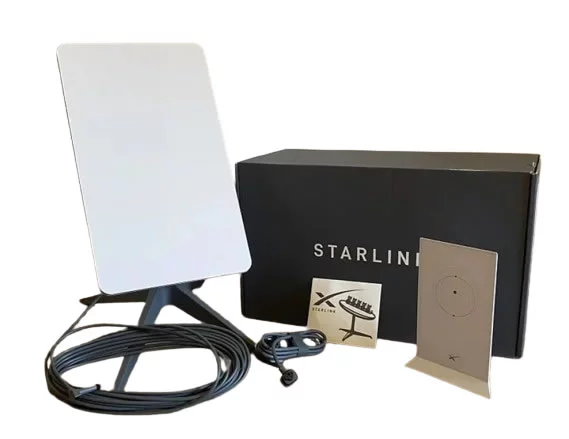
  • Supports operational continuity.
  • Enhances productivity and efficiency.

Institutional and Remote Site Solutions

  • Supports schools, colleges, and universities.
  • Provides connectivity for healthcare facilities.
  • Enables communication in remote work environments.
  • Supports farms, camps, and project sites.
  • Helps organizations operate effectively in underserved locations.
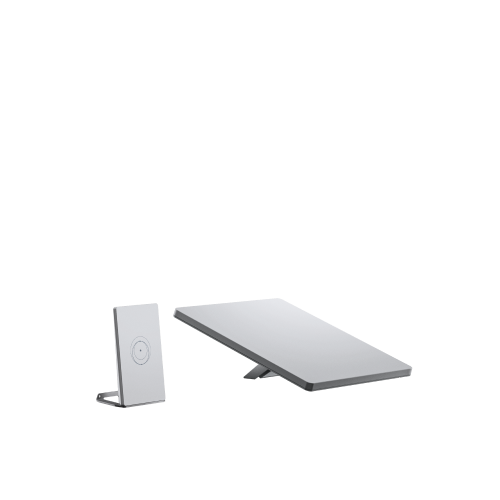
Starlink solutions can be customized to meet the connectivity needs of homes, businesses, institutions, and remote operations across Kenya.

Choosing experienced Starlink professionals provides significant advantages beyond simply purchasing the equipment. Professional installation, detailed site surveys, quality accessories, network extension services, and ongoing technical support all contribute to a better internet experience. Whether serving residential users, businesses, schools, hotels, farms, or remote project sites, expert Starlink solutions help ensure maximum performance, reliable connectivity, and long-term satisfaction.

Working with experienced Starlink installers helps customers enjoy better performance, cleaner installations, stronger network coverage, and dependable support whenever assistance is needed.

11. FAQs on Starlink Kenya

https://youtu.be/-HyUh31nbLE


Starlink continues to gain popularity in Kenya as more homes, businesses, schools, hotels, farms, and organizations seek reliable internet connectivity. Below are some of the most frequently asked questions about Starlink Kenya, along with detailed answers to help users better understand the service.

11.1 What is Starlink Kenya?

Starlink Satellite Internet Service

  • Starlink Kenya refers to Starlink internet services available throughout Kenya.
  • It uses low-earth orbit satellites to provide internet connectivity.
  • The service is designed to deliver fast and reliable internet access.
  • Users connect through a Starlink dish and Wi-Fi router.
  • It can be used in both urban and rural locations.

How It Differs from Traditional Internet

  • Does not rely on fibre optic cables.
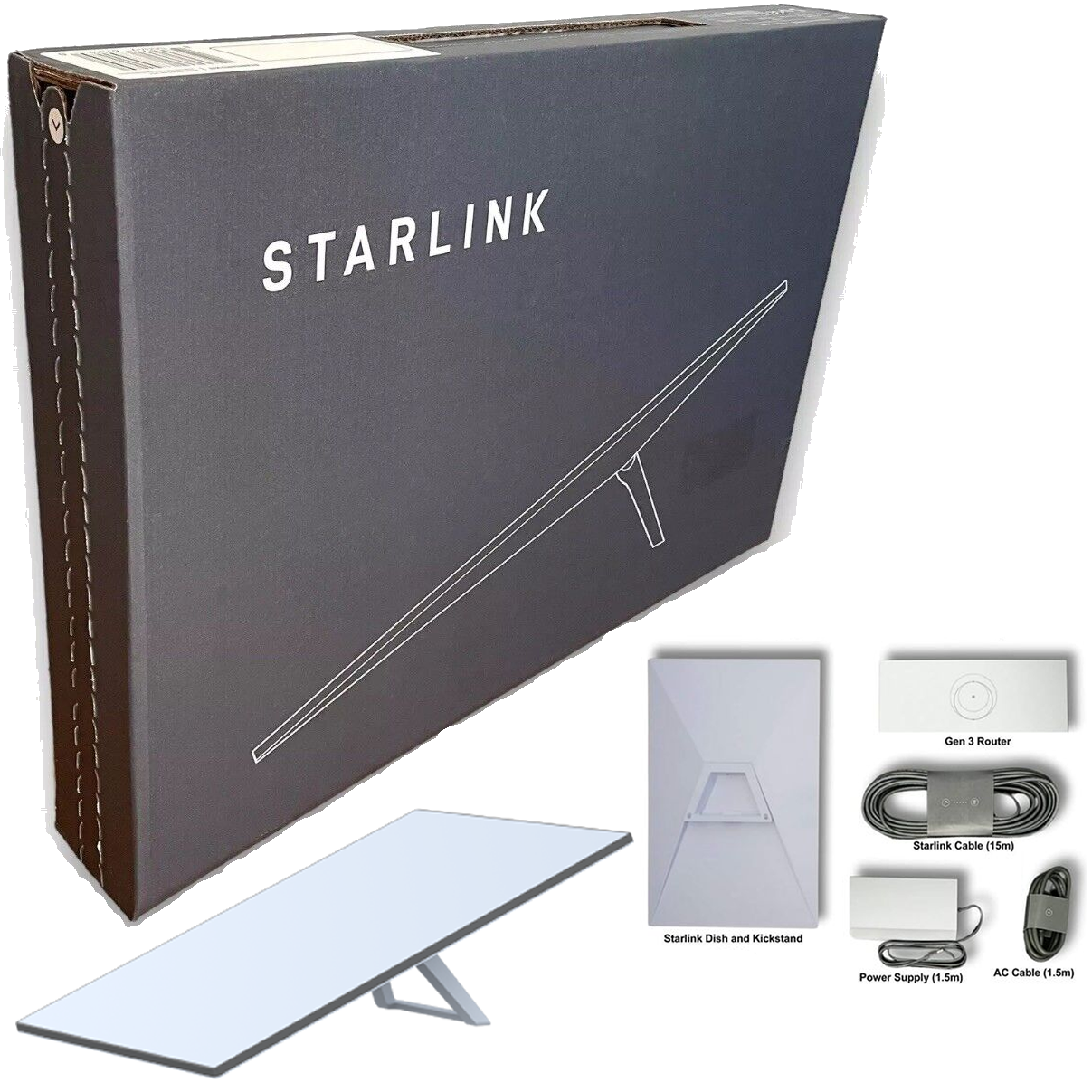
  • Does not depend on mobile towers.
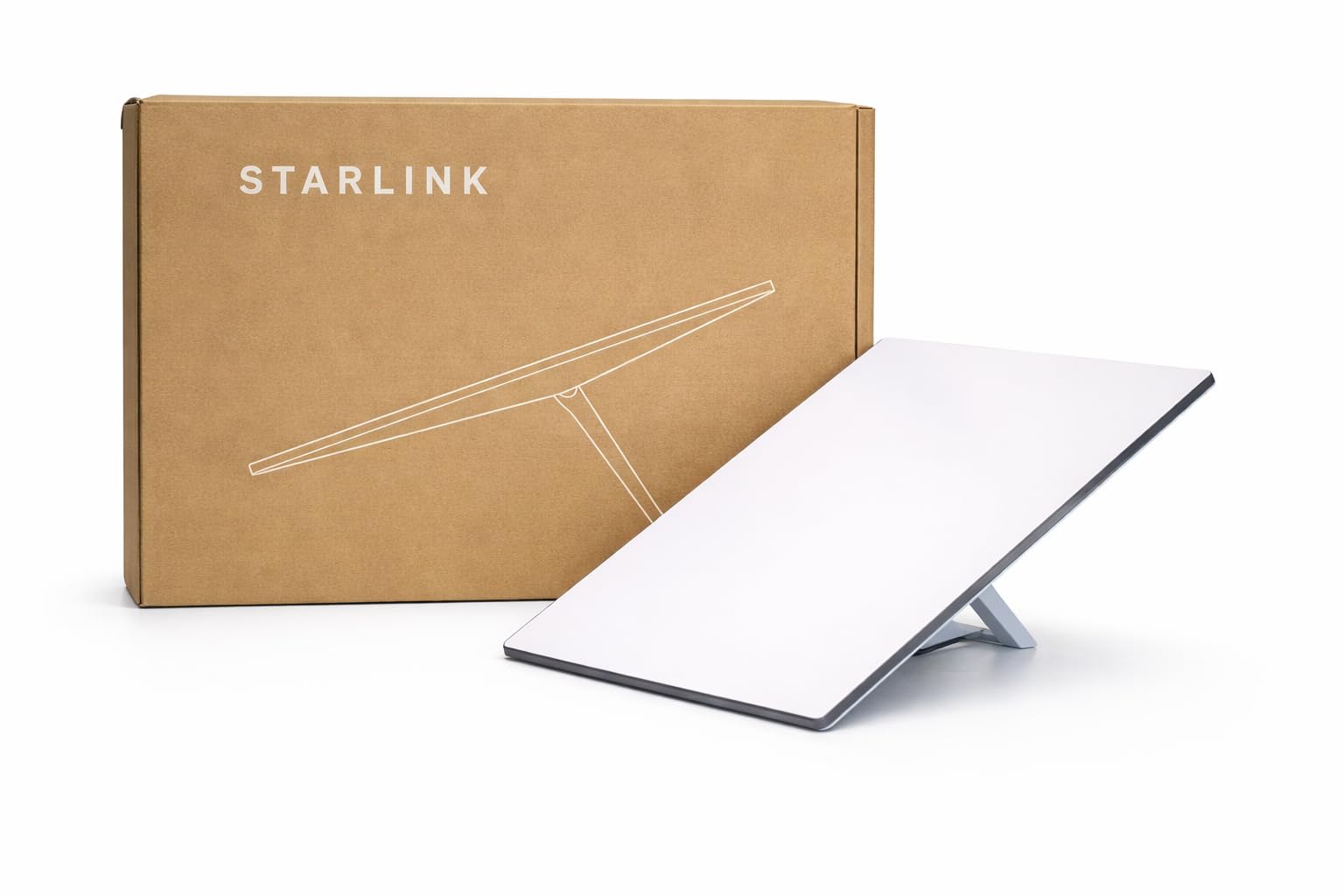
  • Provides internet directly through satellites.
  • Can serve remote locations with limited infrastructure.
  • Offers greater flexibility in deployment.

Starlink Kenya is a satellite-based internet service that provides reliable connectivity to homes, businesses, and institutions across the country.

11.2 Is Starlink Available in Kenya?

Nationwide Availability

  • Starlink services are available throughout Kenya.
  • Both urban and rural users can access the service.
  • Coverage extends to many remote locations.
  • New customers can purchase compatible Starlink kits.
  • Service availability continues to expand.

Who Can Subscribe?

  • Residential users.
  • Businesses and offices.
  • Schools and universities.
  • Hotels and lodges.
  • Farms and remote facilities.

Starlink is available in Kenya and can be used by a wide range of customers in different locations.

11.3 Is Starlink Good for Rural Areas?

Connectivity in Remote Locations

  • Provides internet where fibre is unavailable.
  • Useful in remote villages and rural communities.
  • Supports communication in isolated areas.
  • Helps bridge the digital divide.
  • Enables access to online services.

Benefits for Rural Users

  • Supports online learning.
  • Enables remote work opportunities.
  • Improves communication.
  • Supports farming and business operations.
  • Provides access to digital resources.

Starlink is one of the best internet solutions for rural and remote areas because it does not rely on traditional infrastructure.

11.4 Does Starlink Need Fibre Cables?

Satellite-Based Connectivity

  • Starlink connects directly to satellites.
  • No fibre cable connection is required.
  • No dependence on local internet infrastructure.
  • Works independently of traditional networks.
  • Can be deployed almost anywhere.

Installation Requirements

  • Starlink dish.
  • Starlink router.
  • Active subscription.
  • Reliable power source.
  • Clear view of the sky.

Starlink does not require fibre cables because it delivers internet through satellite technology.

11.5 What Do I Need to Use Starlink?

Essential Equipment

  • Starlink dish.
  • Wi-Fi router.
  • Power supply.
  • Starlink cables.
  • Active Starlink account.

Installation Requirements

  • Clear sky visibility.
  • Suitable mounting location.
  • Reliable electricity supply.
  • Proper cable routing.
  • Network configuration.

To use Starlink, you need the appropriate hardware, an active subscription, power, and a properly installed system.

11.6 Can Starlink Support Businesses?

Business Applications

  • Supports office operations.
  • Enables cloud-based services.
  • Facilitates video conferencing.
  • Supports online transactions.
  • Improves communication systems.

Suitable Business Types

  • Offices.
  • Hotels.
  • Schools.
  • Retail businesses.
  • Industrial facilities.

Starlink can effectively support businesses of different sizes by providing reliable and high-speed internet connectivity.

11.7 Can Starlink Be Used as Backup Internet?

Backup Connectivity Benefits

  • Provides redundancy during fibre outages.
  • Reduces operational downtime.
  • Maintains internet access during disruptions.
  • Supports business continuity planning.
  • Improves network reliability.

Common Backup Applications

  • Corporate offices.
  • Hotels.
  • Schools.
  • Healthcare facilities.
  • Retail businesses.

Many organizations use Starlink as a backup internet solution to ensure uninterrupted operations.

11.8 What Affects Starlink Speed?

Environmental Factors

  • Trees and vegetation.
  • Buildings and structures.
  • Weather conditions.
  • Obstructions near the dish.
  • Satellite visibility.

Technical Factors

  • Quality of installation.
  • Router placement.
  • Service plan selected.
  • Network congestion.
  • Internal network design.

Starlink speed depends on installation quality, environmental conditions, network setup, and service plan selection.

11.9 Can Starlink Wi-Fi Cover a Large Building?

Coverage Limitations

  • Large buildings may exceed router coverage.
  • Thick walls can weaken signals.
  • Multiple floors may affect connectivity.
  • Large compounds require extended coverage.
  • Certain areas may experience dead zones.

Coverage Improvement Solutions

  • Mesh Wi-Fi systems.
  • Outdoor access points.
  • Ethernet cabling.
  • Additional routers.
  • Point-to-point links.

Large buildings often require additional networking solutions to ensure complete Wi-Fi coverage.

11.10 Do I Need Professional Installation?

Benefits of Professional Installation

  • Proper dish placement.
  • Secure mounting.
  • Professional cable routing.
  • Network optimization.
  • Reduced installation errors.

Long-Term Advantages

  • Better performance.
  • Improved reliability.
  • Reduced maintenance issues.
  • Enhanced safety.
  • Higher customer satisfaction.

Professional installation helps maximize Starlink performance while reducing future connectivity problems.

11.11 Can Starlink Be Moved from One Location to Another?

Portability Features

  • Some Starlink plans support movement.
  • Suitable for travelers and field teams.
  • Supports temporary deployments.
  • Useful for mobile operations.
  • Allows flexible internet access.

Important Considerations

  • Plan restrictions may apply.
  • Service address requirements vary.
  • Some plans are location-specific.
  • Users should review plan details.
  • Account settings may need updating.

Starlink can be moved between locations on supported plans, making it a flexible connectivity solution.

11.12 Where Can I Get Starlink Installation Support in Kenya?

Available Services

  • Site surveys.
  • Professional installation.
  • Router setup.
  • Network extension.
  • Troubleshooting support.

Additional Support Solutions

  • Starlink accessories.
  • Wi-Fi optimization.
  • Business network integration.
  • Cable routing.
  • Ongoing technical assistance.

Professional Starlink installation providers in Kenya can assist with setup, optimization, troubleshooting, and long-term support.

Starlink Kenya provides a flexible and reliable internet solution for residential, commercial, educational, hospitality, and remote applications. Understanding these frequently asked questions helps users make informed decisions about installation, performance, coverage, portability, and network expansion while maximizing the benefits of Starlink satellite internet.

 The Future of Reliable Internet Connectivity Across Kenya

Starlink Kenya

Starlink Kenya is transforming the way individuals, businesses, schools, hotels, farms, and remote facilities connect to the internet. Powered by advanced low-Earth orbit satellite technology, Starlink delivers high-speed, low-latency internet even in locations where traditional fibre networks and mobile broadband services struggle to provide consistent performance. Whether you are operating in a busy urban center or a remote rural area, Starlink offers a dependable connectivity solution that supports streaming, video conferencing, cloud applications, online learning, remote work, security systems, and modern business operations. Learn more at Starlink Kenya.

Achieving the best Starlink experience requires more than simply activating the service. Choosing the right Starlink kit, selecting the most suitable service plan, ensuring an unobstructed view of the sky, and implementing professional installation practices all contribute significantly to network performance. Proper cable management, strategic router placement, Wi-Fi optimization, and network extension solutions can improve coverage, eliminate dead zones, and ensure stable connectivity throughout homes, offices, schools, hotels, warehouses, and large compounds. With the correct setup, users can maximize speed, reliability, and overall network efficiency while enjoying uninterrupted internet access.

At Starlink Kenya, we provide comprehensive Starlink solutions, including professional installations, system setup, accessories, troubleshooting, network extension, site surveys, maintenance, and technical support services across Kenya. Our experienced team helps customers deploy Starlink solutions tailored to their specific connectivity needs, ensuring optimal performance and long-term reliability. Starlink is more than just an internet service—it is a powerful digital connectivity platform that enables growth, productivity, communication, and innovation for homes, businesses, institutions, and remote operations throughout the country. Visit Starlink Kenya to discover how we can help you unlock the full potential of Starlink internet.


Chat with us on WhatsApp